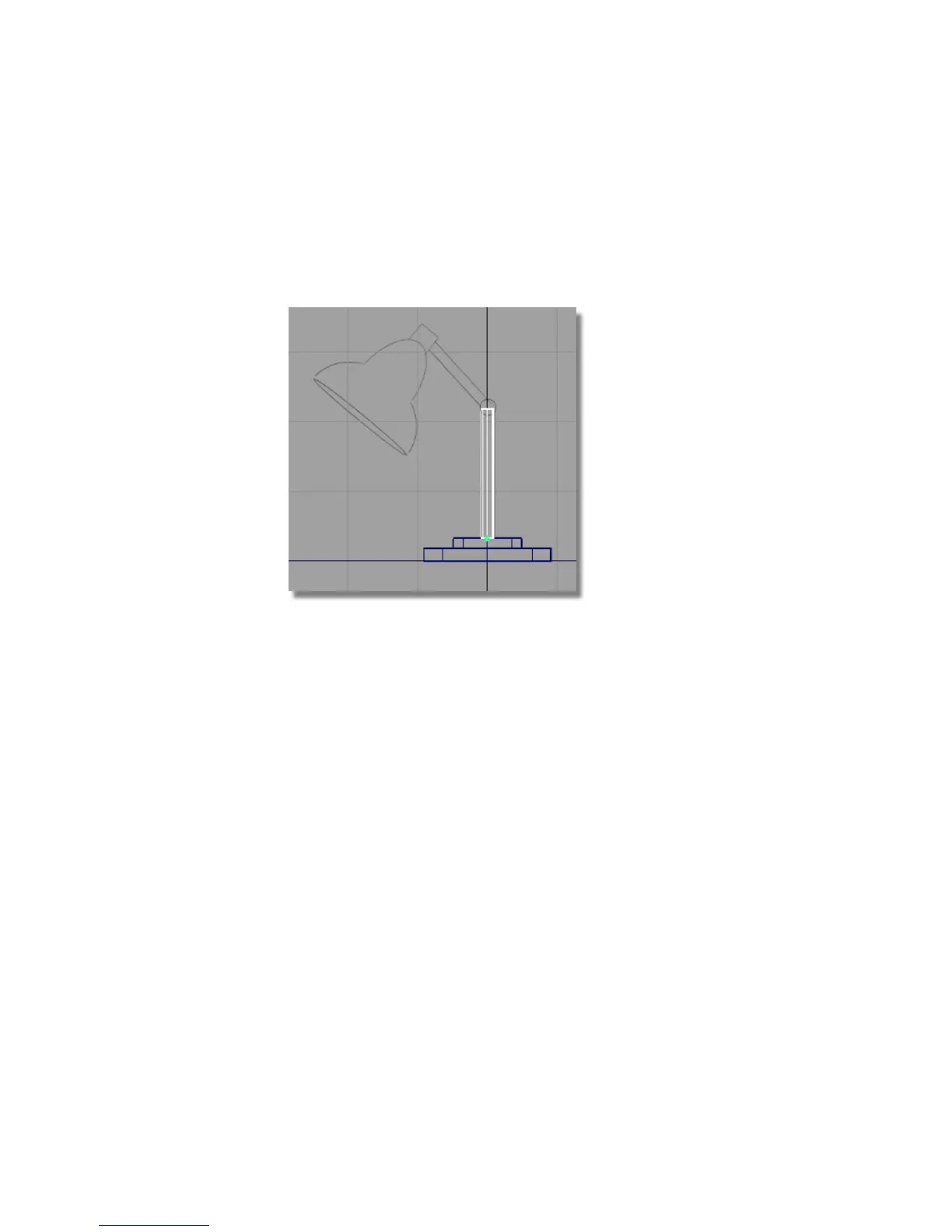
4 Choose Transform > Scale and use the left mouse button to scale the
cylinder. Resize the cylinder to match the width of the pillar. Remember
to click and drag in the background, away from the objects.
5 Choose Transform > Non-p Scale and use the right mouse button to adjust
the height of the cylinder to match the sketch.
Building the lamp arm
Next, build the angled arm of the lamp.
1 With the third cylinder still selected, choose Edit > Copy
followed by Edit > Paste.
2 Choose Transform > Move . Use the right mouse button to move the
cylinder into place.
110 | Chapter 4 Introduction to 3D



 To Next Page