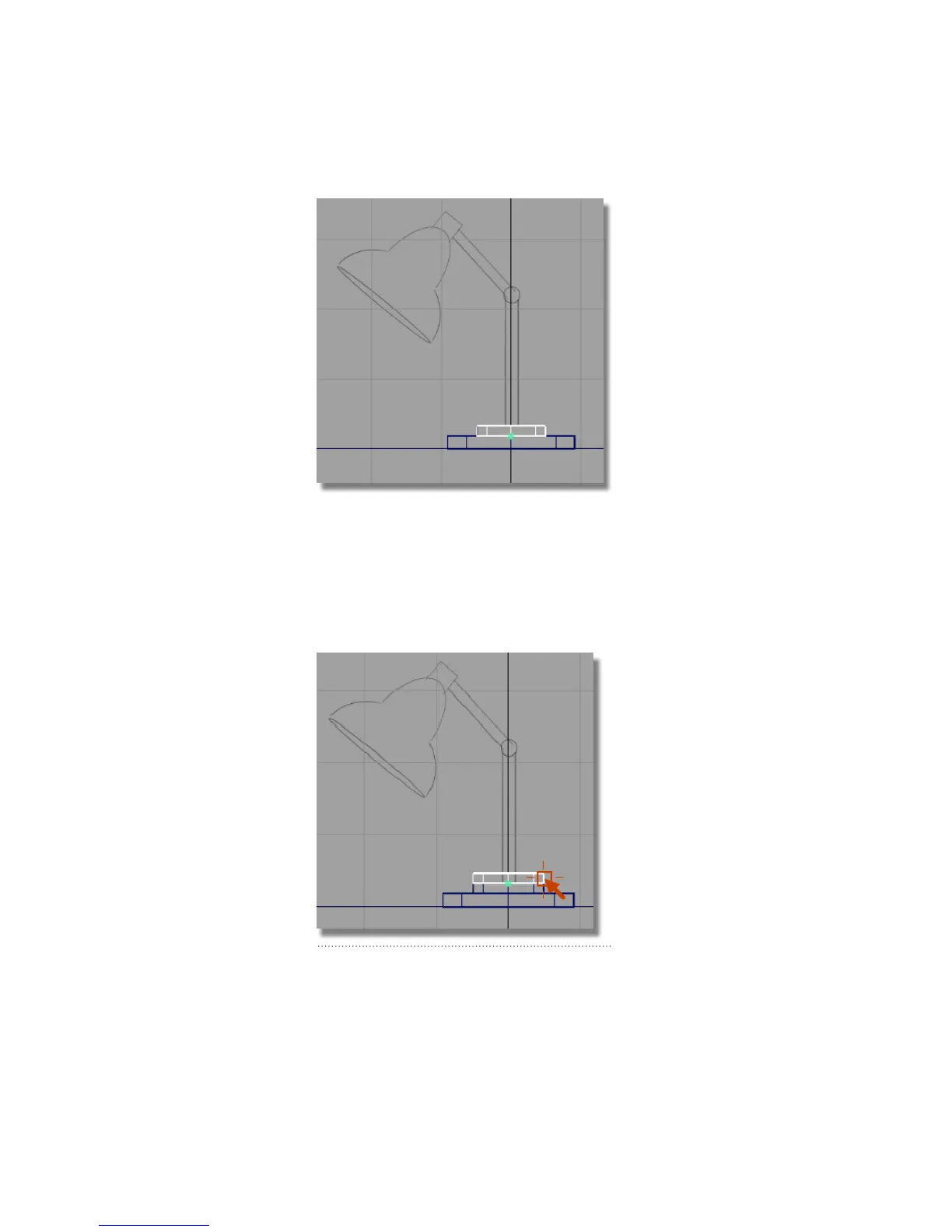
A third cylinder is created in the same position as the second, and is
active, ready to be moved.
2 Choose Transform > Move . Hold down the Ctrl and Alt (Windows) or
Control and Command (Mac) keys to turn on curve snapping mode.
3 Click the top edge of the second cylinder to move the new cylinder into
place.
Part 2: Building the lampstand | 109



 To Next Page