Using the Object Lister to control visibility
Use the Object Lister to turn off the sketch, making the geometry easier to
select.
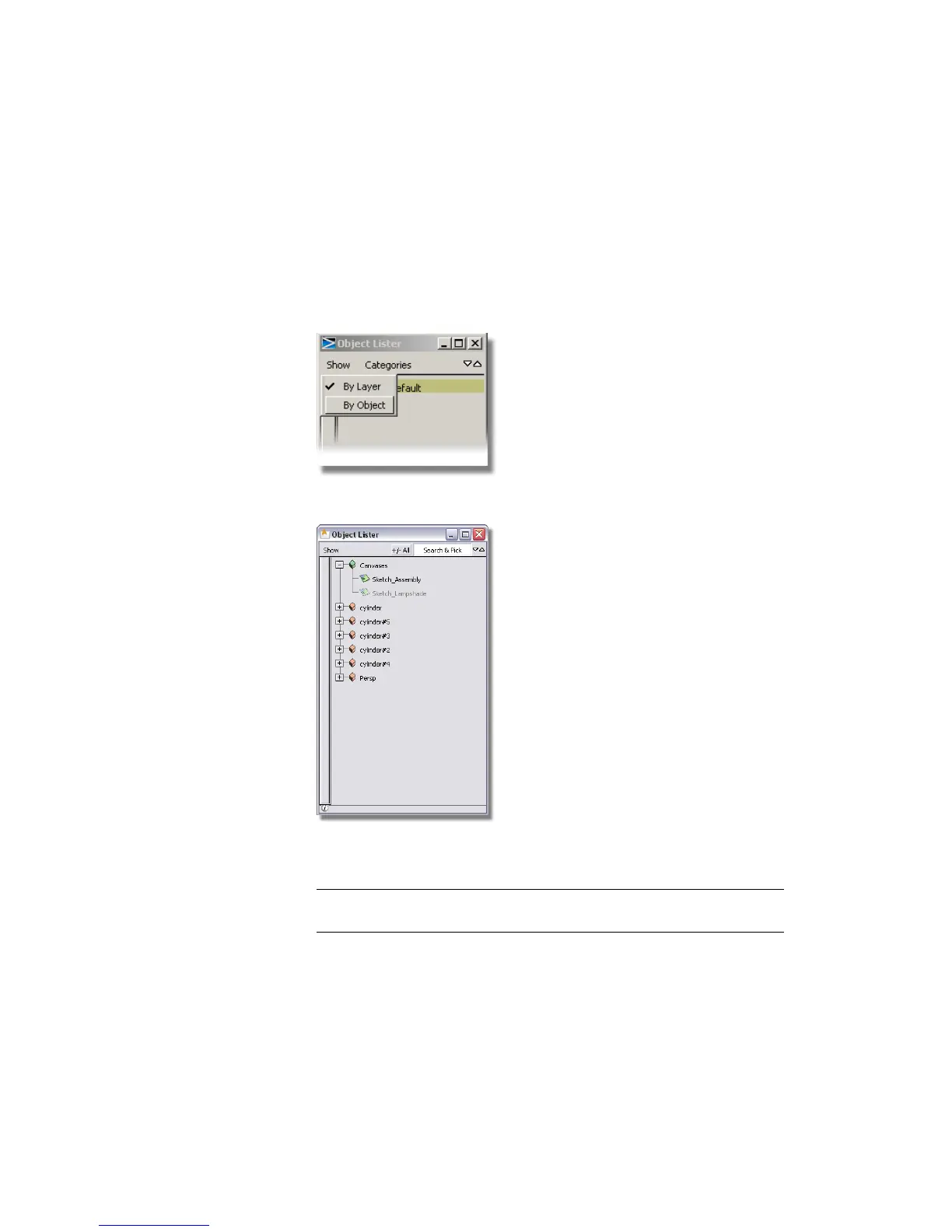
1 Choose Windows > Object Lister from the Alias menu.
2 Choose Show > By Object on the Object Lister menu.
The objects in your scene are listed.
The sketch is shown at the top of the list, followed by the cylinders you
created.
NOTE The ‘Persp’ object is the camera used to show the perspective view.
This will not be used in this tutorial and can be ignored.
Part 3: Organizing the model | 115



 To Next Page