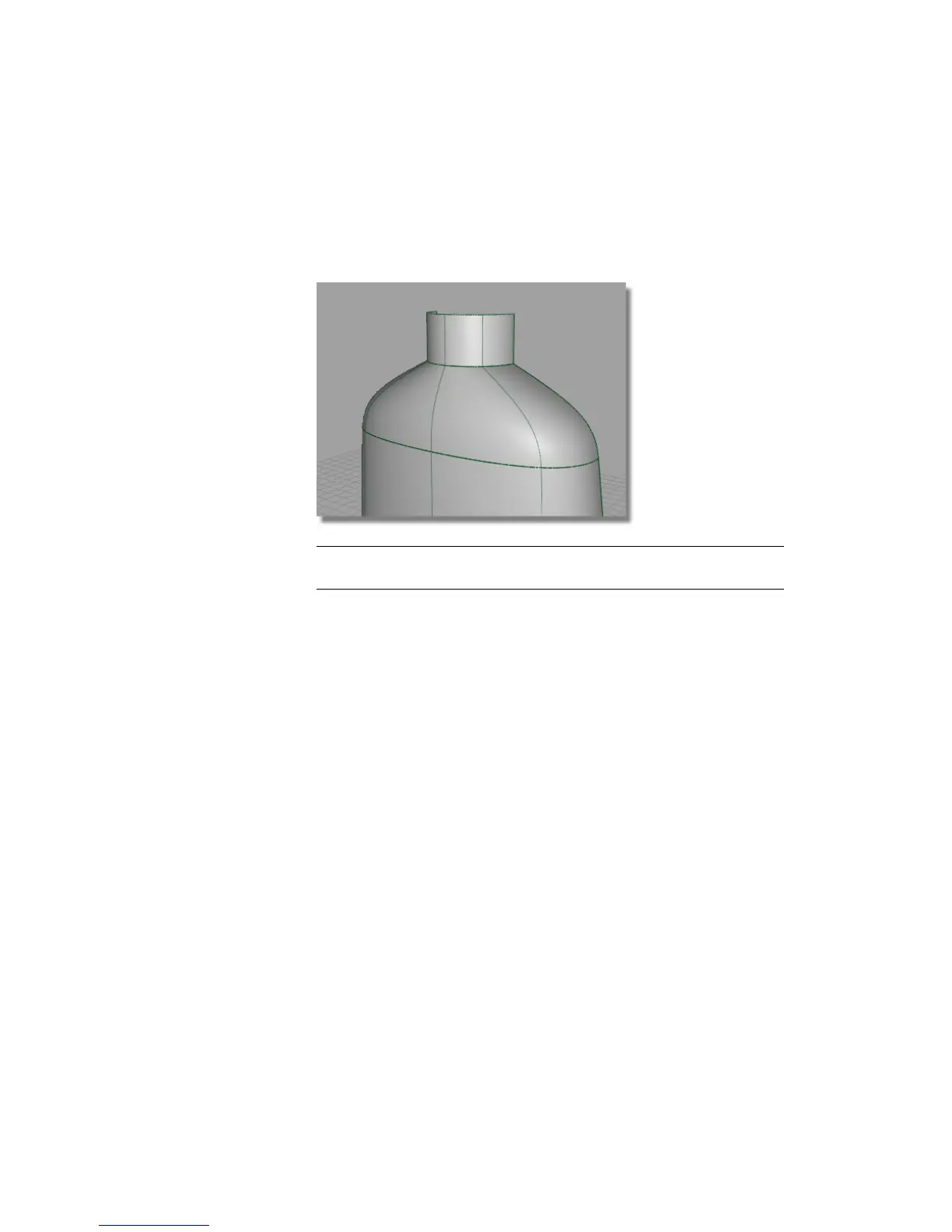
15 Choose Pick > Nothing to deselect the CVs.
16 Turn off the CVs and hulls, using the Control Panel.
17 Use diagnostic shading to evaluate the result.
TIP Set the Continuity option to Curvature in the Align tool to adjust
the third row of CVs and get an even smoother transition.
Saving your work
Now you will save the scene as a new file.
1 Save your work in the wire directory of the Lessons project.
2 Name your file myshowergel.wire.
For information on creating the Lessons project, or saving your work, see
Saving your work in a Windows environment on page 96 or Saving your
work in a Mac OS X environment on page 100.
Part 2: Creating the Finger Grip
Having created the basic form of the bottle, you will now add the features
that give it a ‘sports’ character.
Part 2: Creating the Finger Grip | 533



 To Next Page