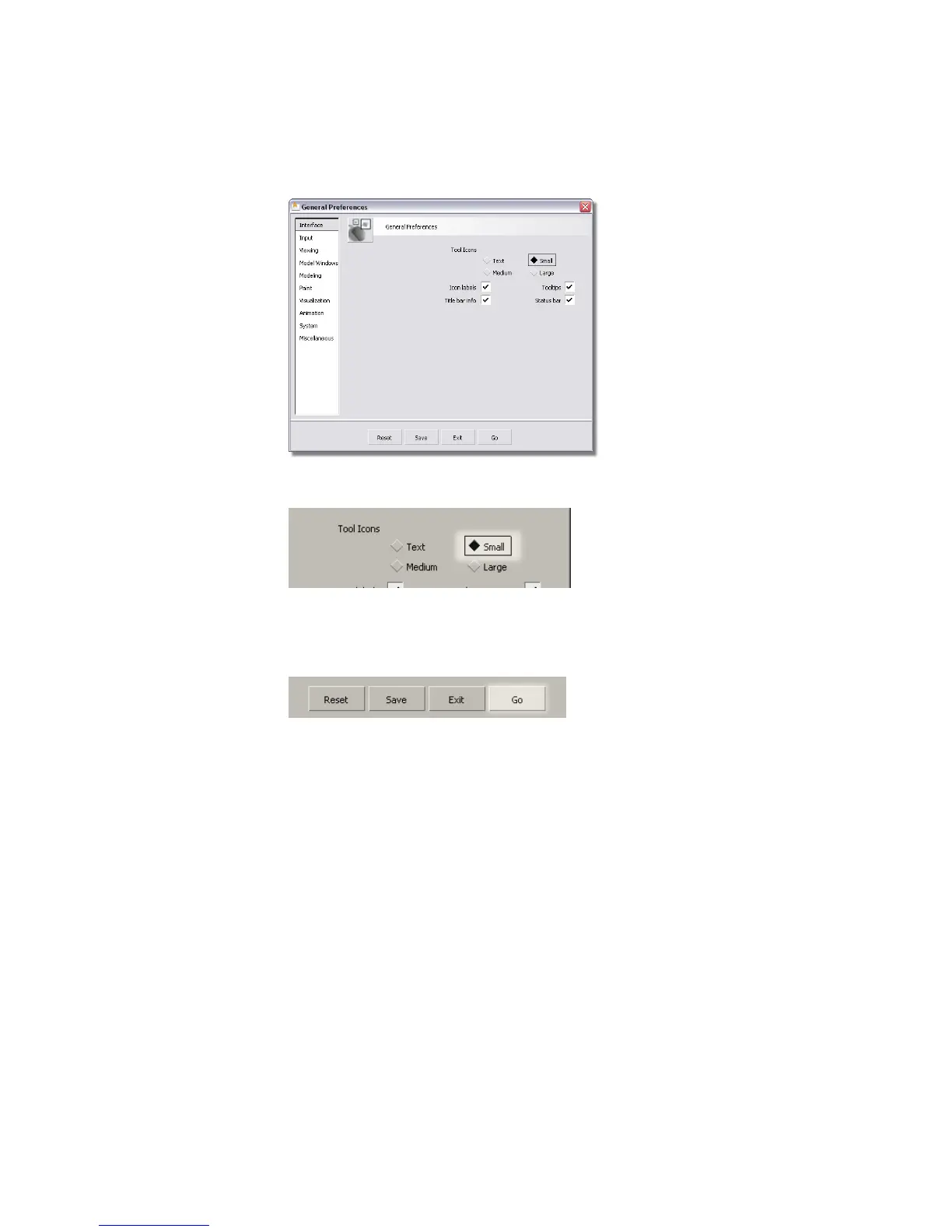
2 Set the Tool Icons to Small.
If you want, you can also turn on the icon labels option to display name
labels for all the icons.
3 Click the Go button at the bottom of the window to apply the changes.
Alias loads smaller versions of all the tool icons.
You have seen how to create shelves with customized tools. In later lessons,
you will load pre-made shelves containing all the tools you need to complete
the tutorials.
Using and Customizing Marking Menus
An even faster method for selecting tools is the marking menus. Marking
menus generally hold fewer tools than a shelf, but are much faster since you
can use quick gestures to choose tools. With practice, selecting tools with
marking menus becomes almost instantaneous.
48 | Chapter 3 Interface Basics



 To Next Page