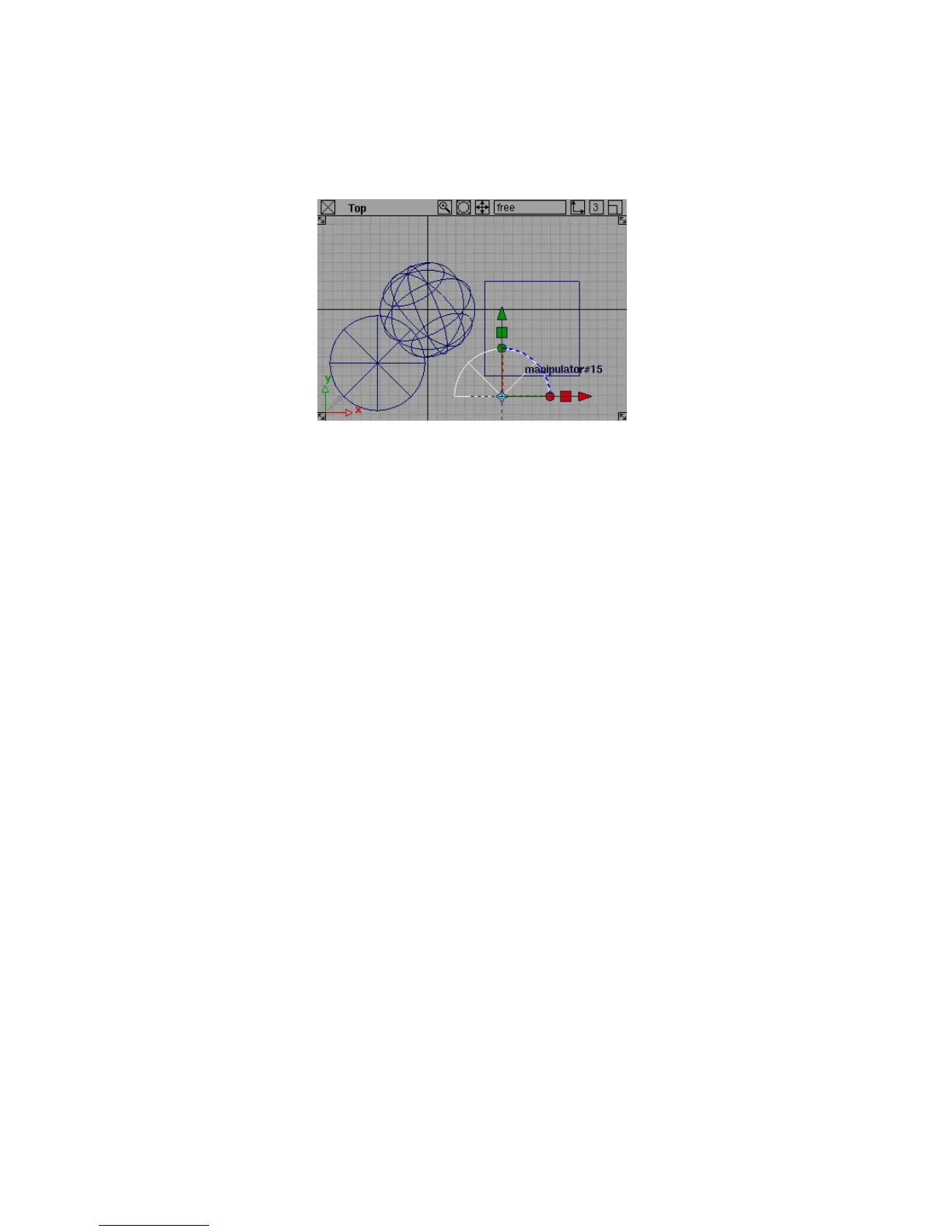
As you specified in the option window, the cylinder has a 180-degree
perimeter and is created from four sections (spans).
8 Look at the Cylinder tool icon. It has a small option box symbol in the
top left corner.
Like the symbol in the menu, this indicates the tool has options.
9 Double-click the Cylinder tool icon.
The Cylinder Options window appears.
10 Click Exit to close the options window.
Picking and Unpicking Objects
Picking refers to selecting objects in the scene for use with other tools. For
example, to move a CV, you must pick the CV, then use the Move tool on
the picked CV.
Picking objects in the scene is a fundamental part of modeling with Alias.
Because it is so important, Alias provides several different tools for picking.
To pick all and pick nothing
1 In the Pick palette, choose Object Types > All Objects/Lights .
2 All the objects in the scene highlight to show they are picked.
Picking and Unpicking Objects | 33



 To Next Page