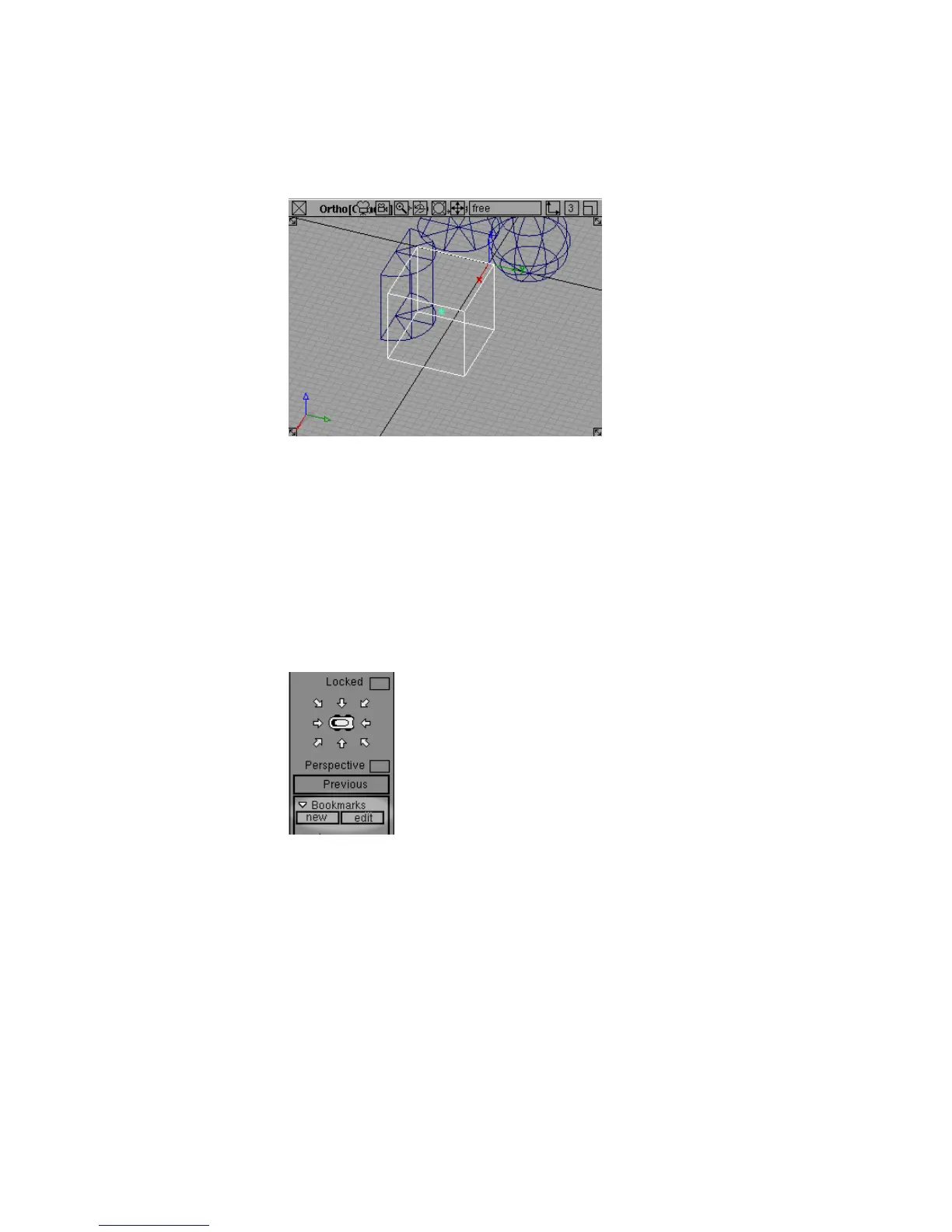
Many people find an isographic view easier for technical modeling, since
parallel lines in the model remain parallel in the view window.
For the remainder of the tutorials, the screen shots will show isographic
views. However, feel free to turn the Perspective checkbox back on if
you prefer a perspective view.
To set and show bookmarks
1 Move the mouse pointer over the Perspective view and hold down the
Shift and Alt (Windows) or Shift and Command (Mac) keys, keeping them
held down, to enter camera move mode.
2 With Shift and Alt (Windows) or Shift and Command (Mac) still held down,
find the Bookmarks section at the bottom of the Viewing Panel.
If it is not visible, click the tag in the bottom right corner of the Viewing
Panel. It turns white and the bookmarks section appears.
3 Click the new button in the bookmarks section.
72 | Chapter 3 Interface Basics



 To Next Page