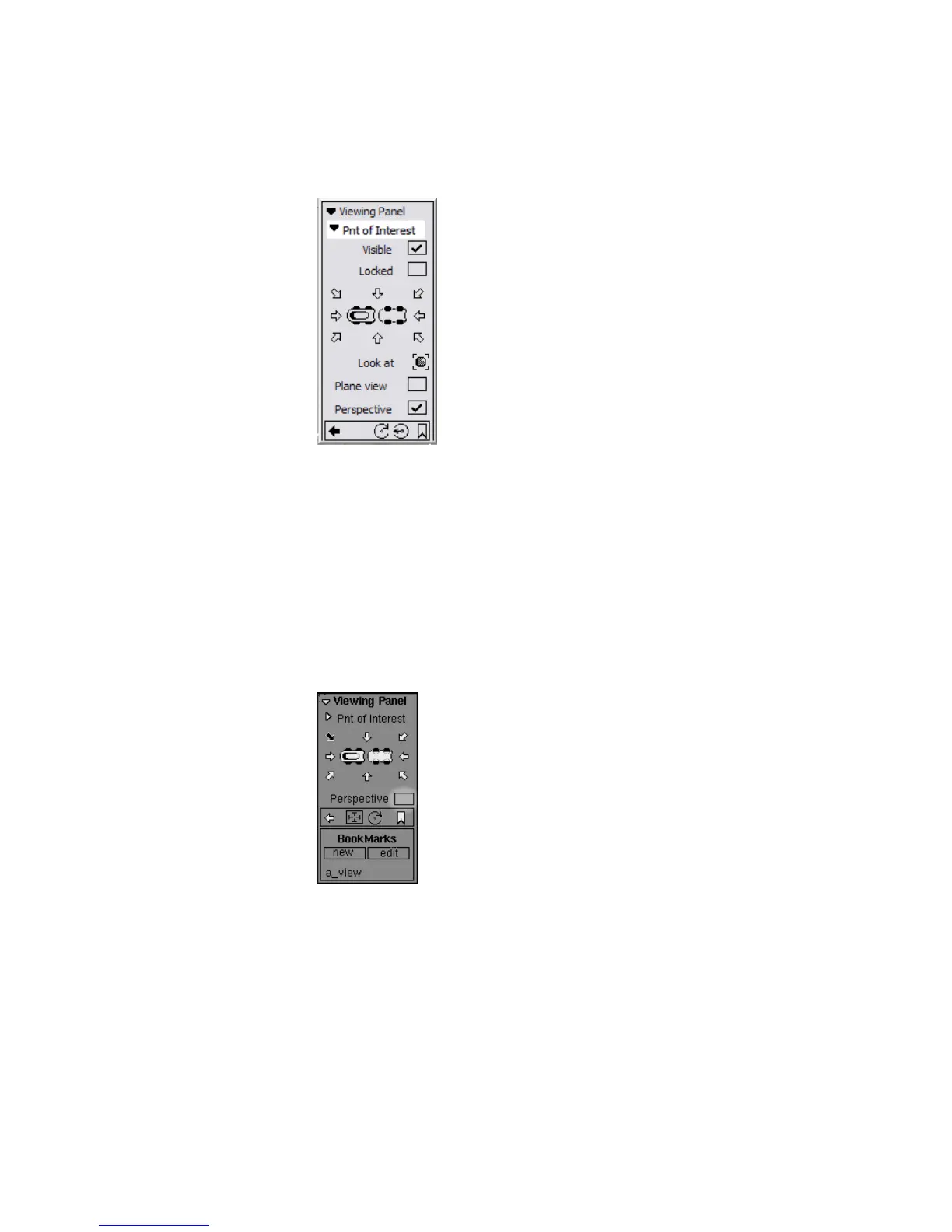
4 Turn off the manipulator by clicking the Visible check box to hide the
point of interest manipulator.
Turn the Visible check box on to show the manipulator again.
5 Turn on the Locked check box to keep the point of interest manipulator
locked at its current position.
The manipulator does not move when you click at another point or drag
its center handle. Use this option if you find you are moving the
manipulator unintentionally.
Turn the Locked check box off to free the manipulator.
6 Turn off the Perspective check box.
The perspective view changes to an isographic projection.
Using the Viewing Panel | 71



 To Next Page