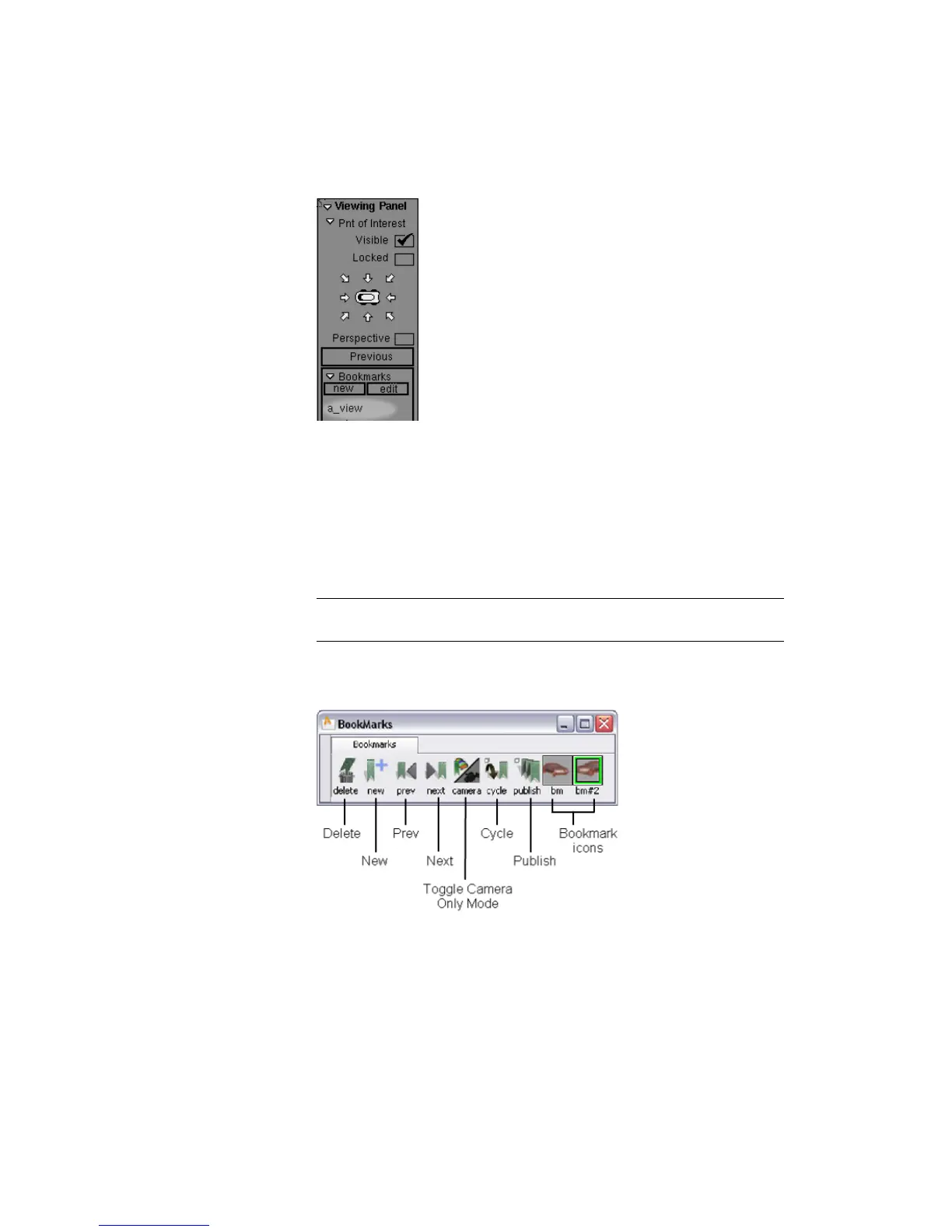
A new bookmark appears at the bottom of the section.
4 Move the camera to a new view on the model.
5 Click the new button again.
A second bookmark appears in the bookmark list.
6 Click the label for the first bookmark, then the second.
The view switches back and forth between the two bookmarked views.
NOTE To be able to distinguish between bookmarks later, you should rename
them now.
7 Click the edit button in the BookMarks section.
The BookMarks Lister window appears.
8 Release the Shift and Alt (Windows) or Shift and Command (Mac) keys.
Using the Viewing Panel | 73



 To Next Page