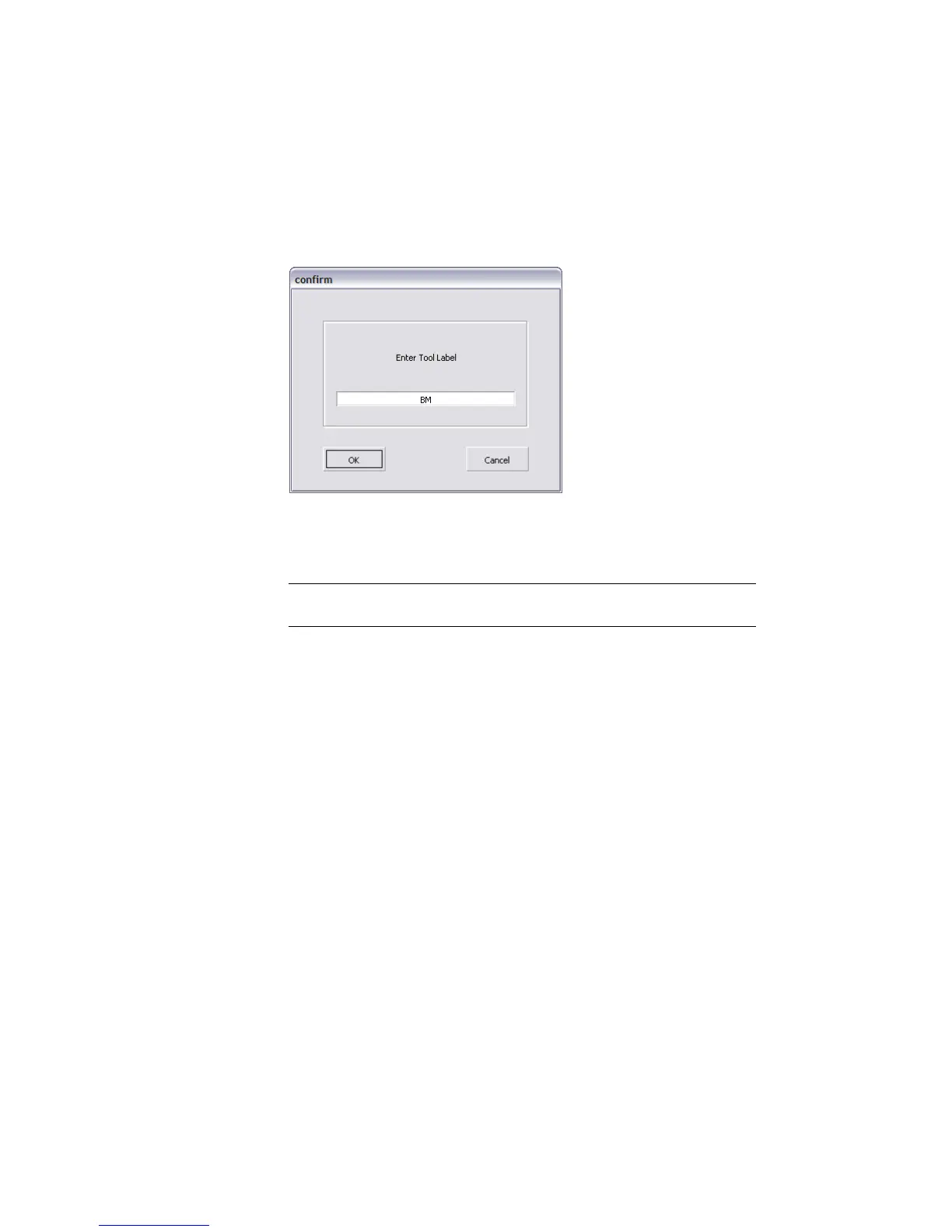
9 Hold down the Ctrl (Windows) or Control (Mac) key and double-click the
first bookmark icon in the Bookmark Lister.
A dialog box appears.
10 Type a new name for the bookmark, then click OK.
For production work, you should use meaningful names, such as “back
panel” or “door handle”.
NOTE By default, bookmarks are named bm, bm#2, bm#3, and so on. Move
the cursor over a bookmark icon to see its current name.
11 Ctrl (Windows) or Control (Mac) double-click and rename the other
bookmark.
12 Note the buttons in the Bookmark Lister window:
■ The Delete button removes the selected bookmarks (white outline)
from the list.
■ The New button adds a bookmark of the current view. This is the
same as clicking new in the Viewing Panel.
■ The Prev and Next buttons change the view to the bookmark that
precedes or follows the highlighted bookmark (green outline).
■ The Toggle Camera Only Mode button displays bookmarks either
with the camera view only, or with both the view and display
attributes (default).
■ The Cycle button displays the bookmarked views in a slideshow
fashion.
74 | Chapter 3 Interface Basics



 To Next Page