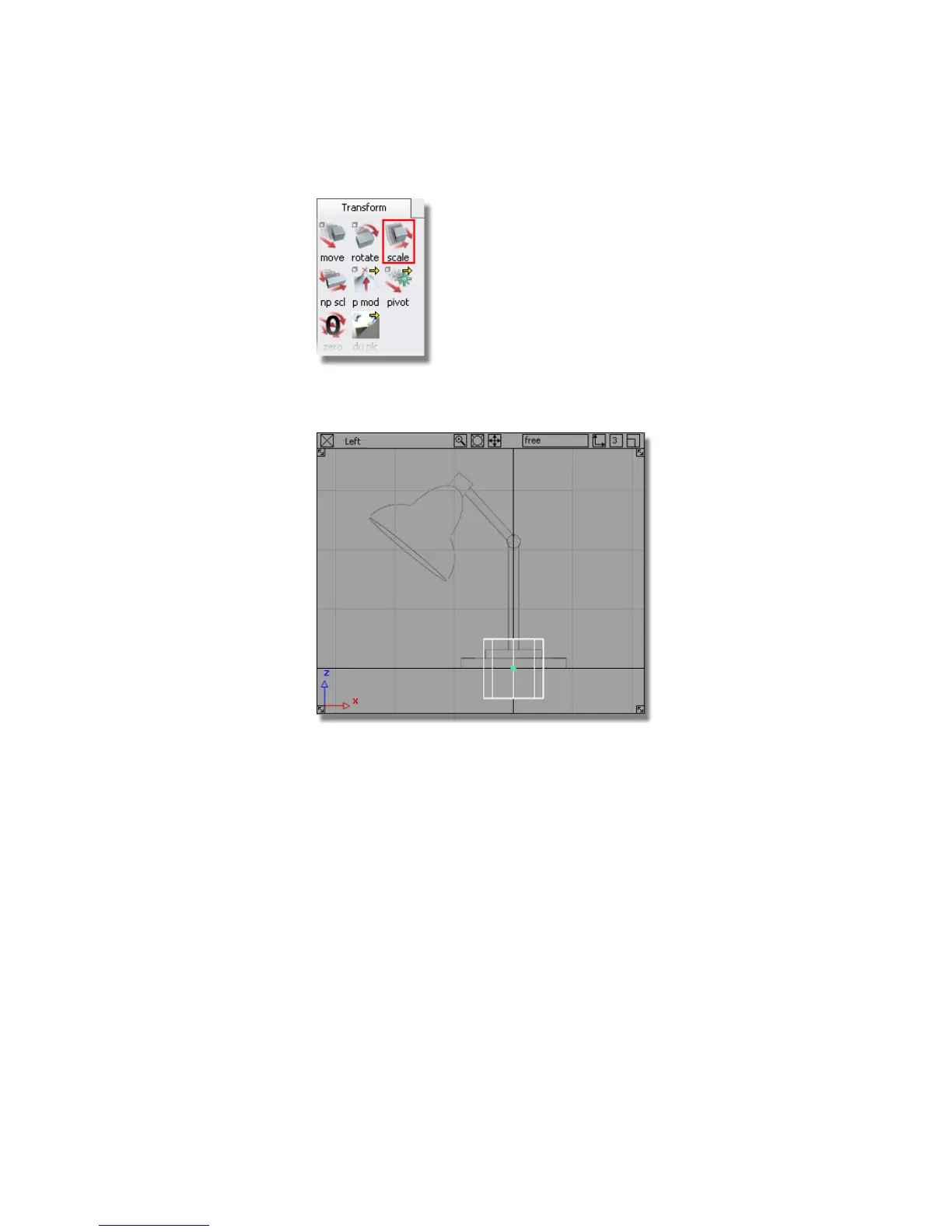
The Scale icon is outlined in red to indicate it is the active tool. At the
same time, the cylinder’s manipulators disappear.
3 Click and drag the left mouse button to scale the cylinder equally in all
axes.
Scale the cylinder to roughly fit the width of the bottom cylinder shown
on the sketch. This forms the base of the lamp.
Part 1: Creating 3D objects | 93



 To Next Page