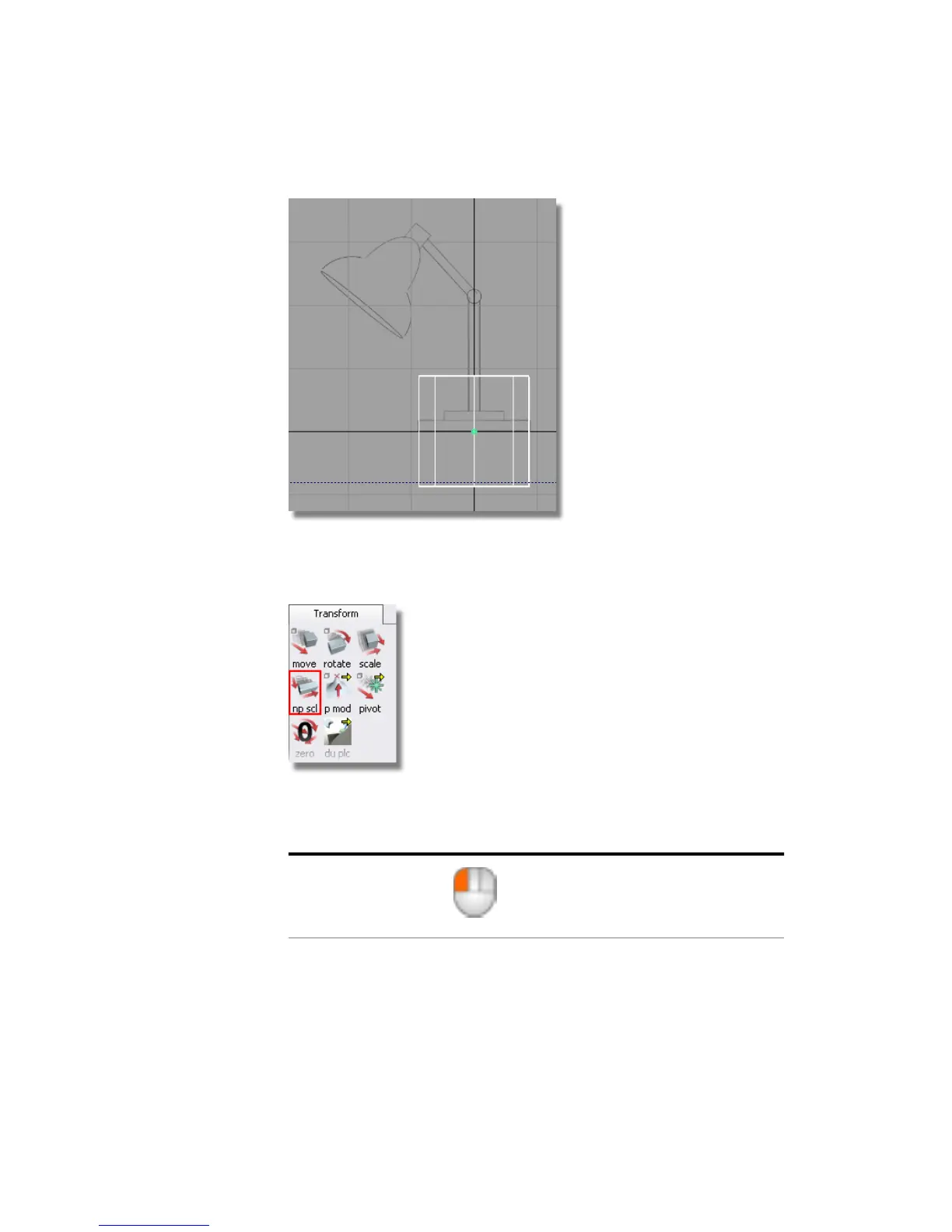
The Transform > Non-p Scale tool (non-proportional scale) modifies the
x, y or z scale of an object separately. This allows an object to be stretched
or squashed.
The mouse buttons are used to control the non-proportional scaling. For
this section, use the 2D views (Top, Side, and Back) to control the
transforms. In these views, the mouse buttons work as follows:
free transformLeft mouse button
94 | Chapter 4 Introduction to 3D



 To Next Page