horizontal transformMiddle mouse button
vertical transformRight mouse button
Next use the right mouse button to adjust the vertical height of the base.
1 Choose Transform > Non-p Scale .
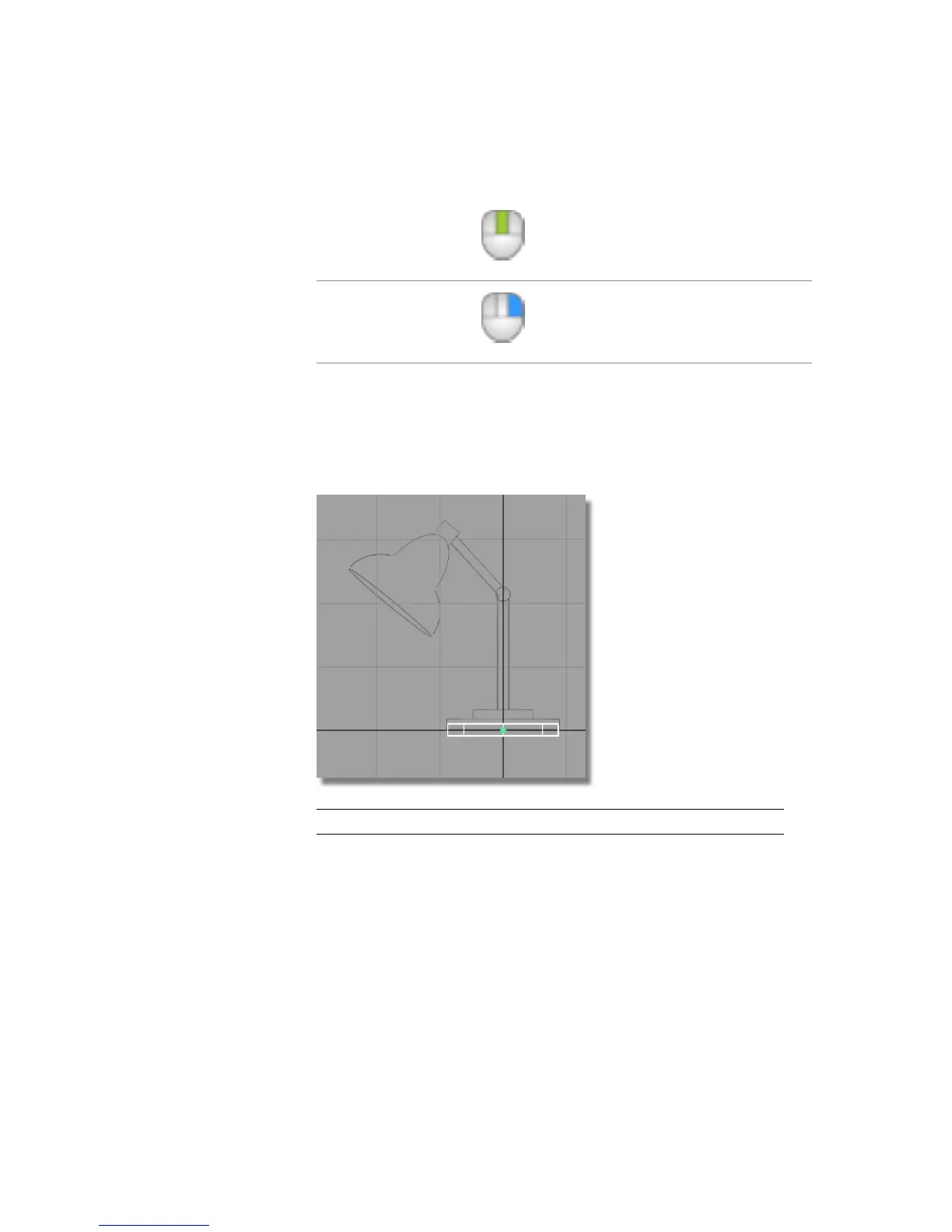
2 Click and drag with the right mouse button to adjust the height of the
cylinder. Make the height approximately the same as shown in the sketch.
NOTE The cylinder is centered on the origin.
Part 1: Creating 3D objects | 95



 To Next Page