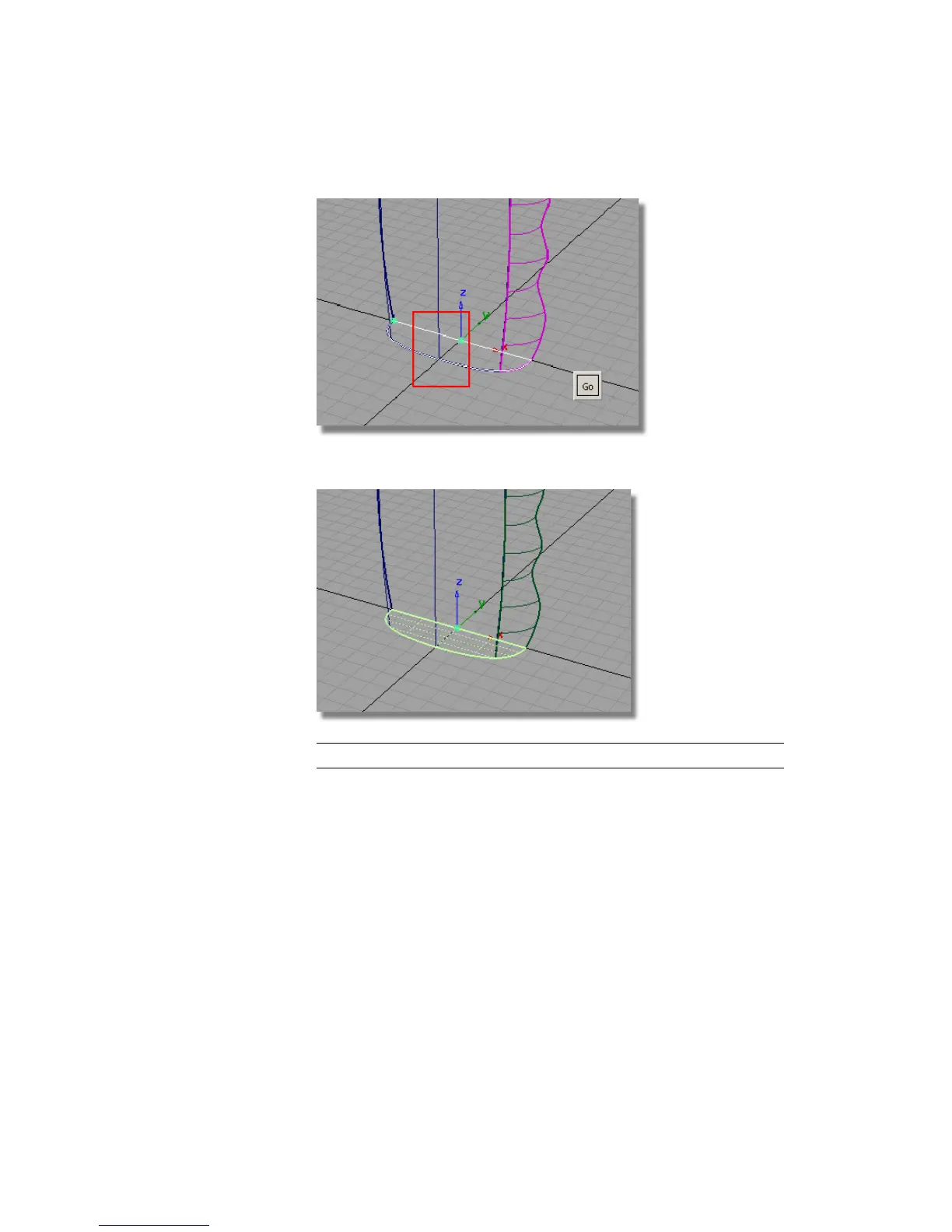
3 Click Go to create the planar surface.
TIP The space bar can be used as a short cut instead of clicking Go.
4 Make sure that all the surfaces are assigned to the Bottle layer.
5 The curves are no longer needed, so turn off the visibility of the
GripCurves layer.
Save your work
1 Save your work in the wire directory of the Lessons project.
2 Name your file myshowergel2.wire.
Part 2: Creating the Finger Grip | 543



 To Next Page