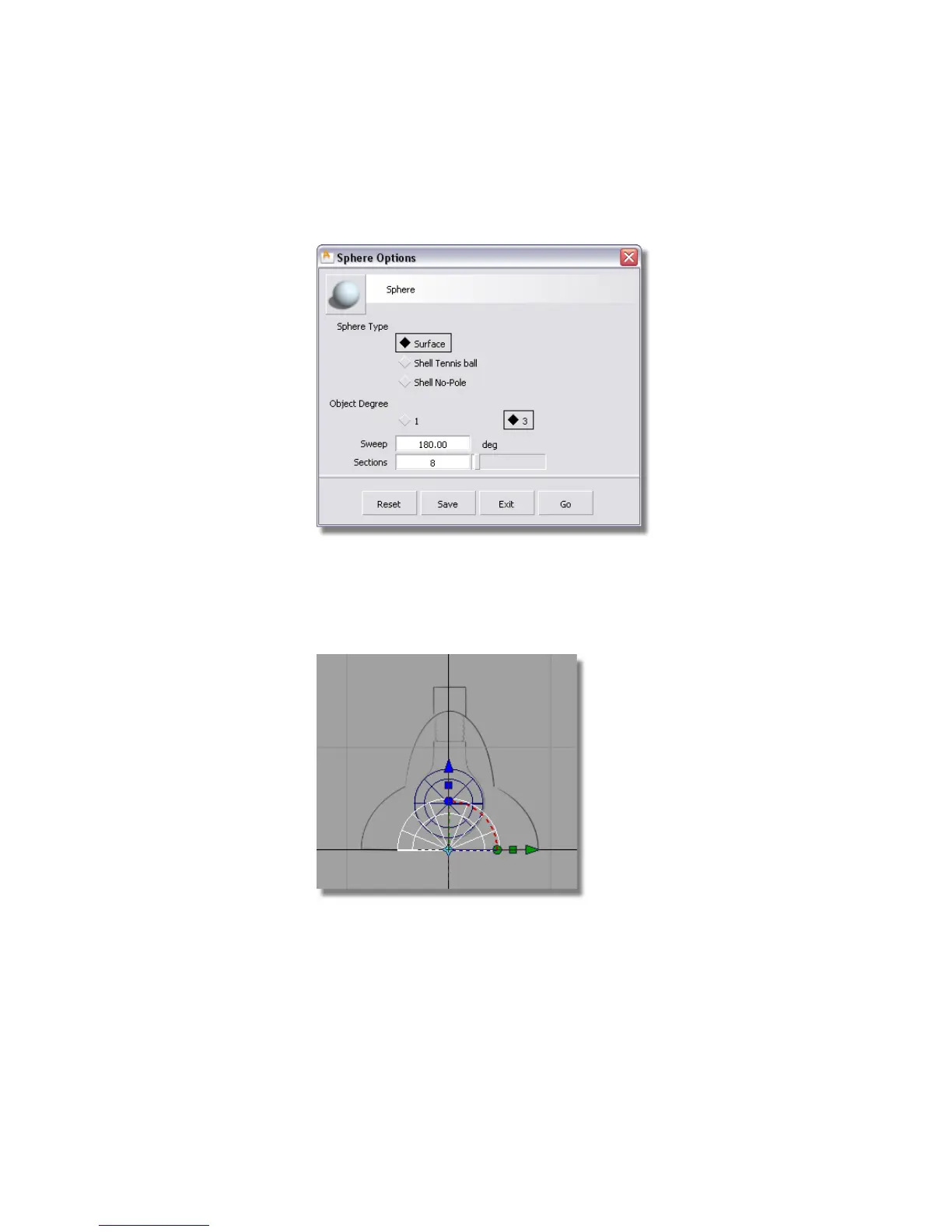
1 Choose the Surfaces > Primitives > Sphere tool. Double-click the sphere
icon to open up the option box. Type in 180 for the Sweep.
2 Click the Go button. Hold the Alt (Windows) or Command (Mac) key down
to turn on grid snapping. Click near the origin to place the half sphere.
3 Choose Transform > Rotate . Type 90,0,0 on the prompt line to rotate
the sphere 90 degrees around the X axis.
4 Choose Transform > Scale . Click and drag the left mouse button to scale
the half-sphere.
Part 4: Building the lampshade | 127



 To Next Page