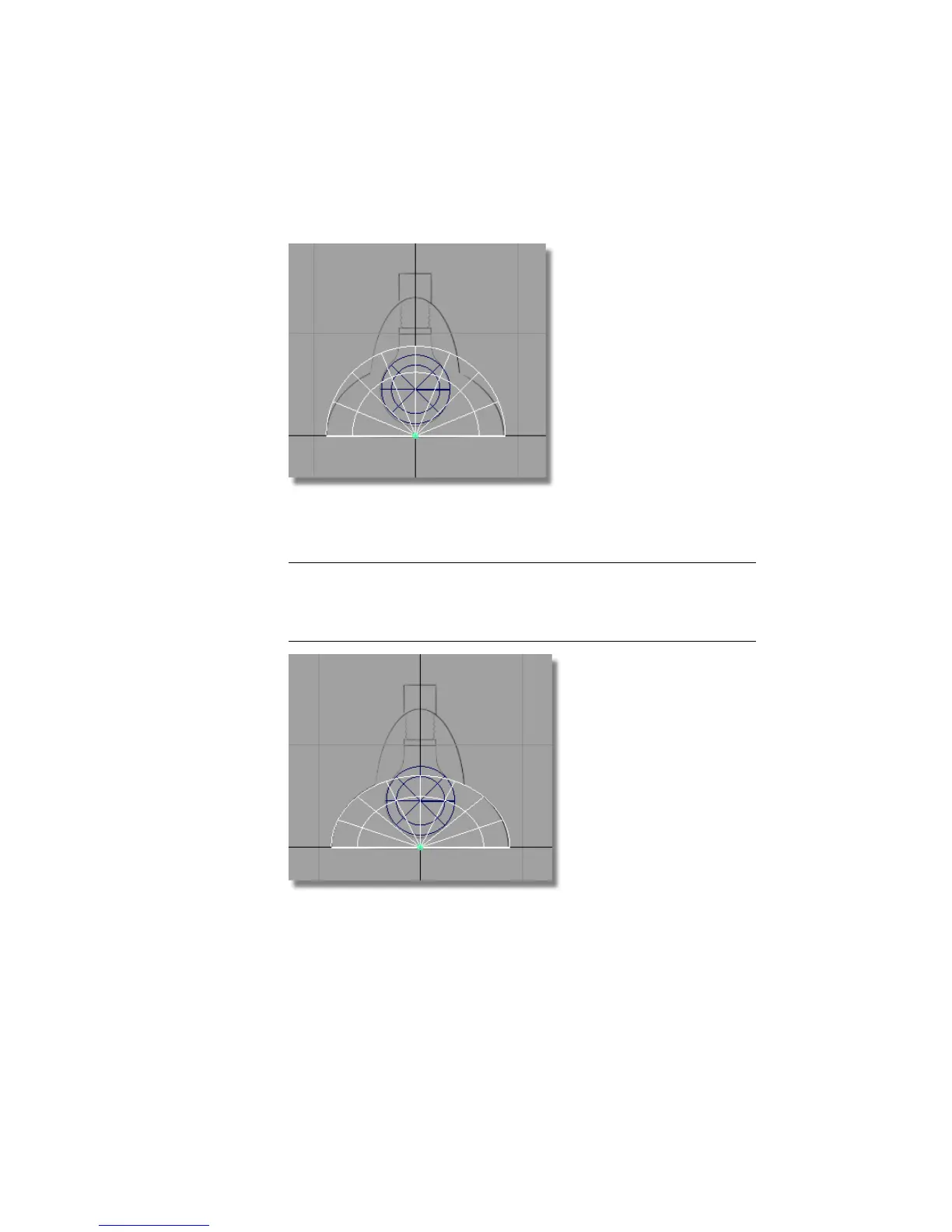
Scale the half-sphere to match the width of the large outer curves on the
sketch.
5 Choose Transform > Non-p Scale . Use the middle mouse button to adjust
the height of the half sphere to match the sketch.
NOTE The reason we use the middle instead of the right mouse button is
because the scaling occurs with respect to the local axes of the half sphere,
not the world axes. To see the local axes of a selected object, choose
Transform > Local > Set Local Axes.
6 Choose Edit > Copy and Edit > Paste to create a second half sphere. Scale
and move it to create the top section of the lamp.
128 | Chapter 4 Introduction to 3D



 To Next Page