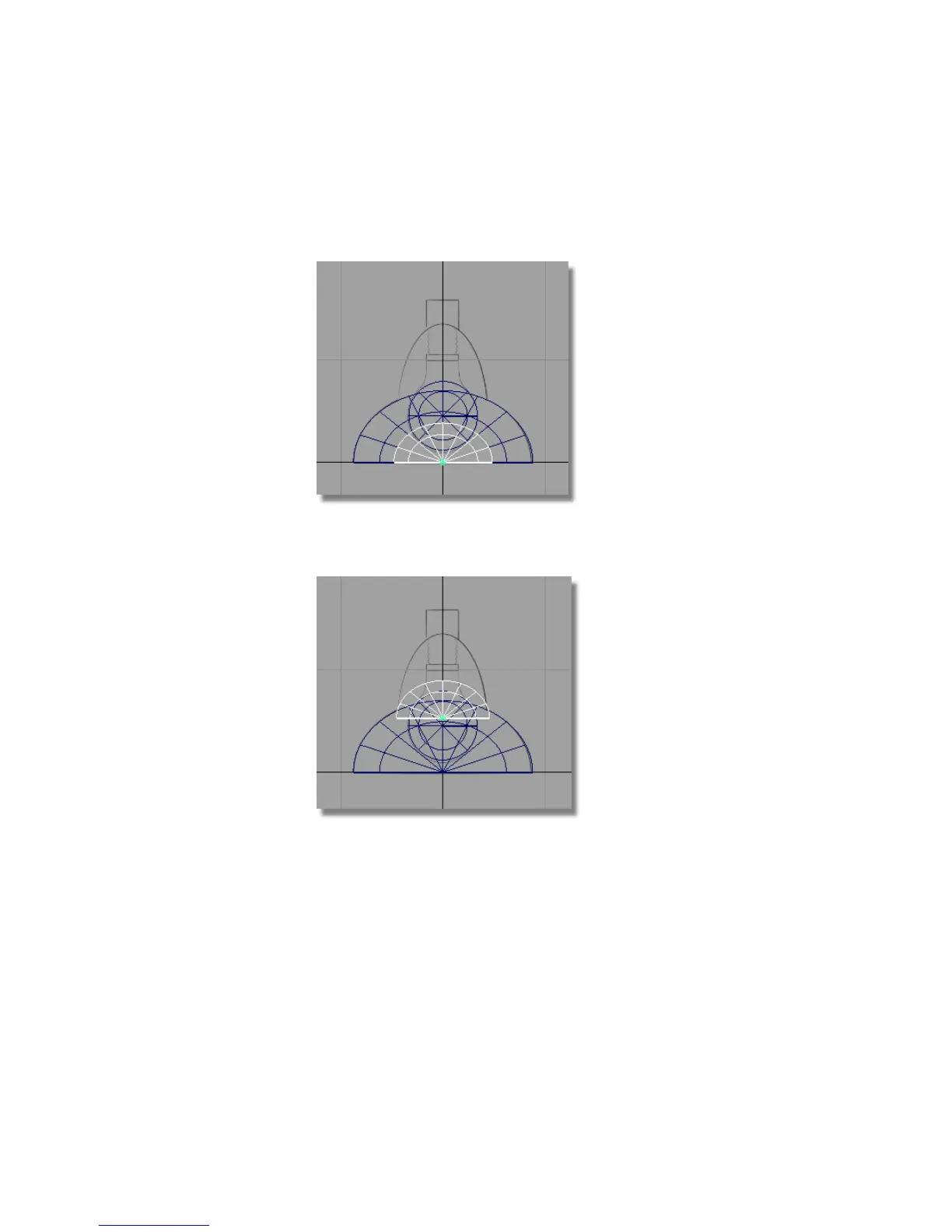
7 Choose Transform > Scale and use the left mouse button to scale it to
approximately half its original size. Remember to click and drag in an
area of the screen that will not accidentally select any of the objects.
8 Choose Transform > Move and use the right mouse button to move the
half sphere into position based on the sketch.
9 Choose Transform > Non-p Scale and use the middle mouse button to adjust
the height of the half-sphere.
Part 4: Building the lampshade | 129



 To Next Page