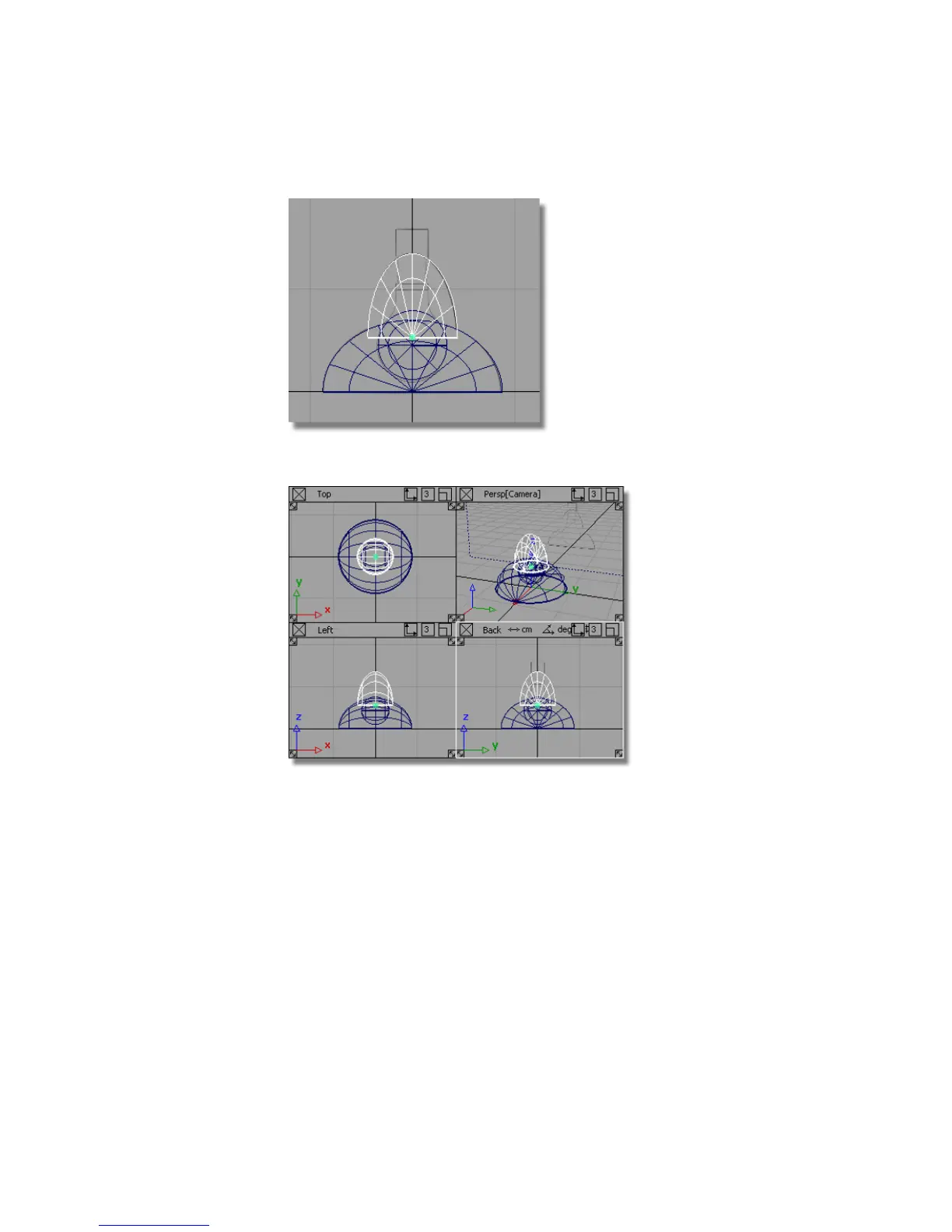
10 Choose Layouts > All Windows > All Windows to display all four views.
11 Maximize the Top view.
Now create a cylinder to connect the lampshade to the arm.
12 Choose Surfaces > Primitives > Cylinder . Hold down the Alt (Windows)
or Command (Mac) key to turn on grid snapping and place the new
cylinder at the origin in the Top view.
130 | Chapter 4 Introduction to 3D



 To Next Page