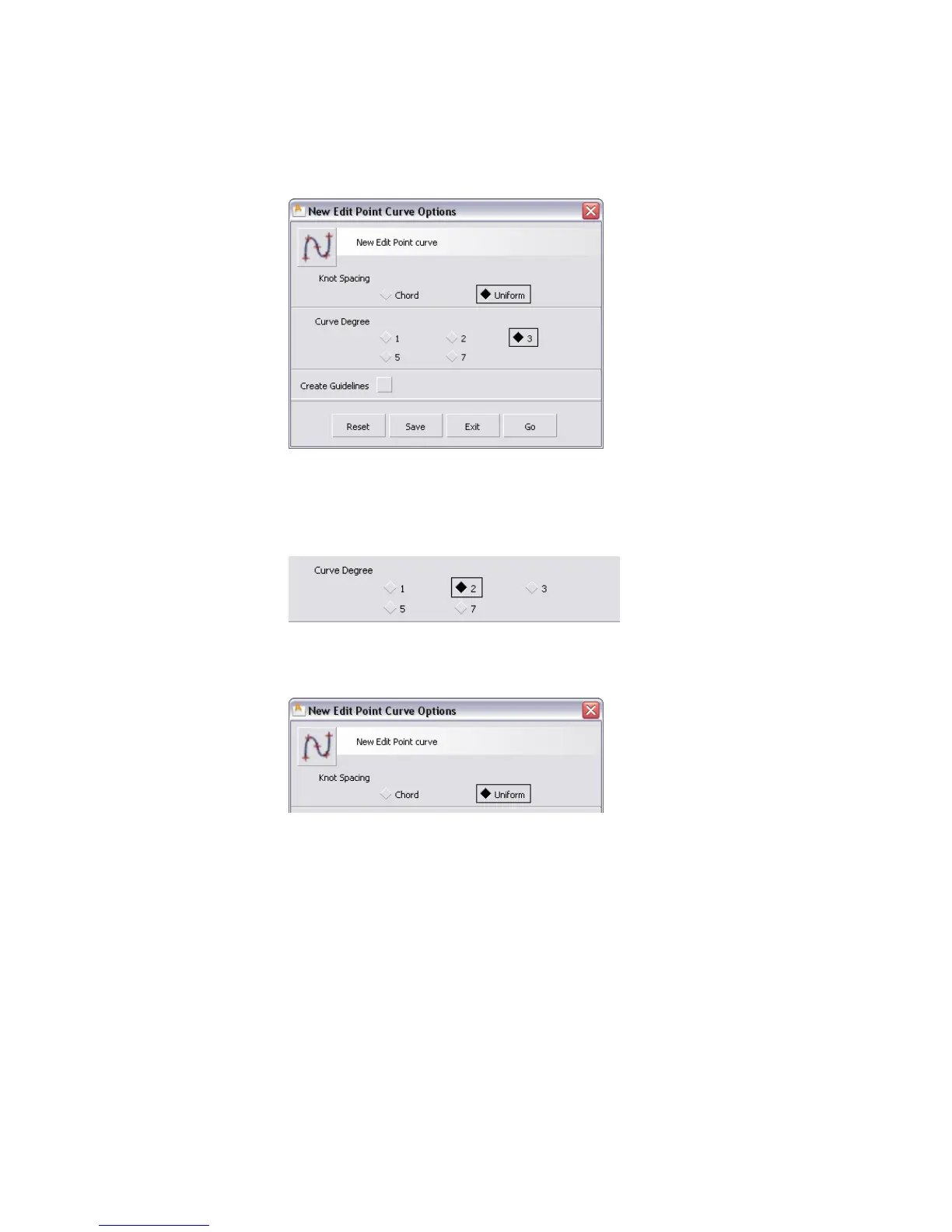
The options let you set the knot spacing (parameterization) and degree
of the new curve.
3 Make sure Knot Spacing is set to Uniform and Create Guidelines
is off.
4 Set the Degree option to 2.
5 Find the tool icon at the top of the option window.
This icon represents the tool as configured with these settings.
6 Press the middle mouse button on the tool icon at the top of the option
box and drag it to the CurveFit shelf.
44 | Chapter 3 Interface Basics



 To Next Page