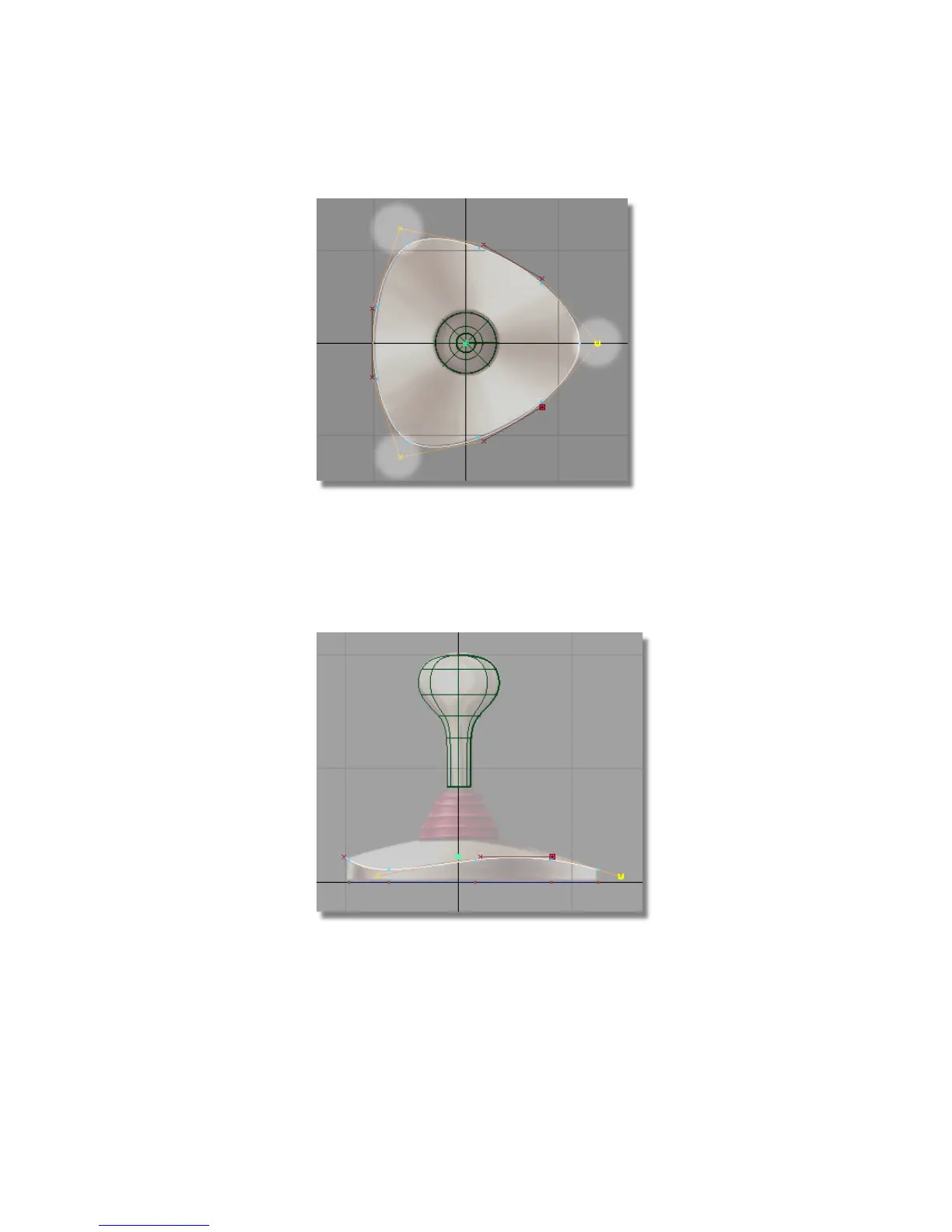
Next, you will move these CV points downwards in the Left view.
11 Choose Transform > Move .
12 In the Left view, use the right mouse button to move the selected CVs
downwards, until the curve matches the shape of the top edge drawn in
the sketch.
13 Choose Pick > Nothing to deselect the CVs.
Part 2: Creating the Joystick Base | 187



 To Next Page