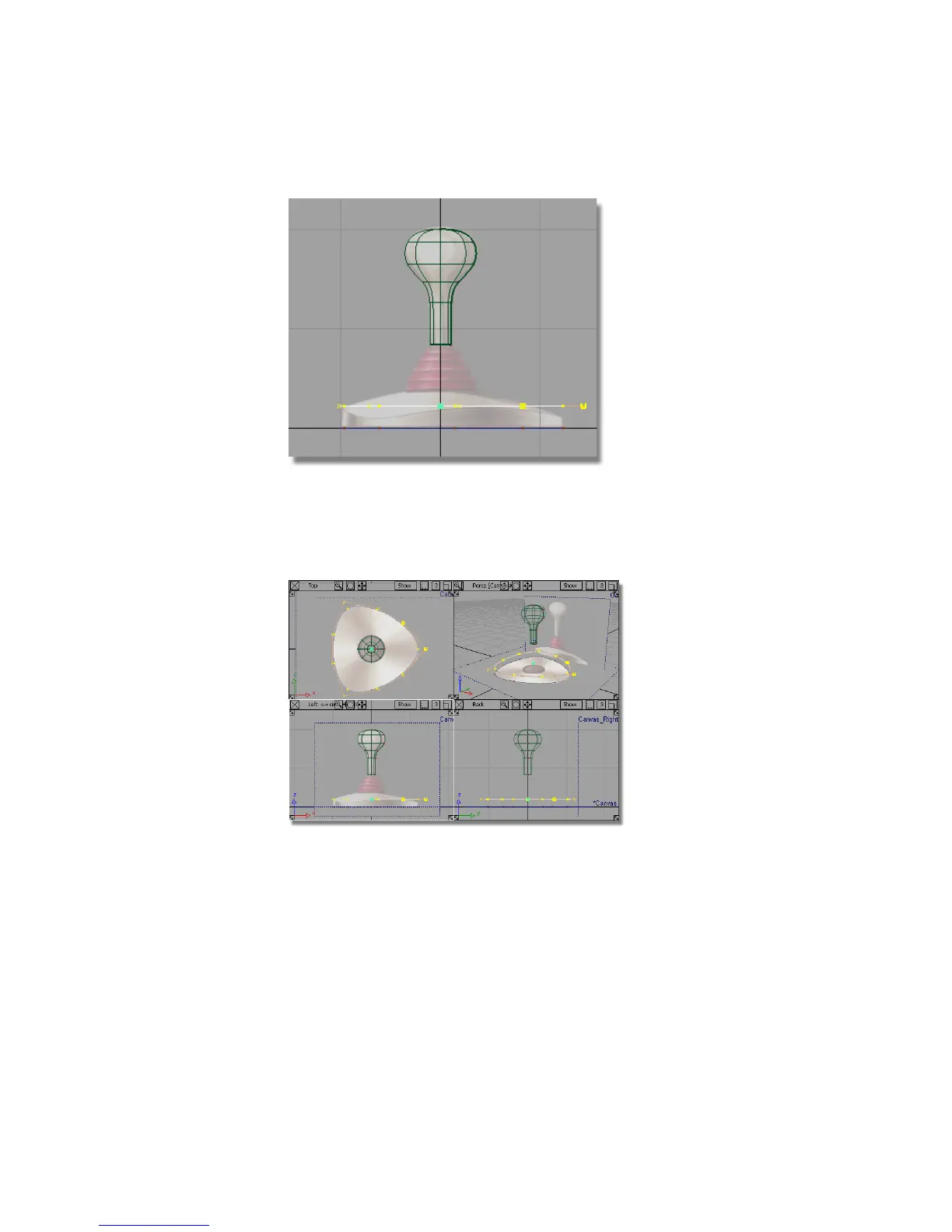
Next, you will shape the curve in 3D. To be able to see the shape develop,
you will work with all four views on the screen.
7 Use Layouts > All Windows > All Windows or the F9 hotkey to return to
the four views.
8 Choose Pick > Nothing to deselect the curve.
9 Looking in the Top view, choose Pick > Point Types > CV and select the
three corner CVs.
10 Click on each CV or drag a pick box over each of them.
186 | Chapter 5 Modeling a Joystick



 To Next Page