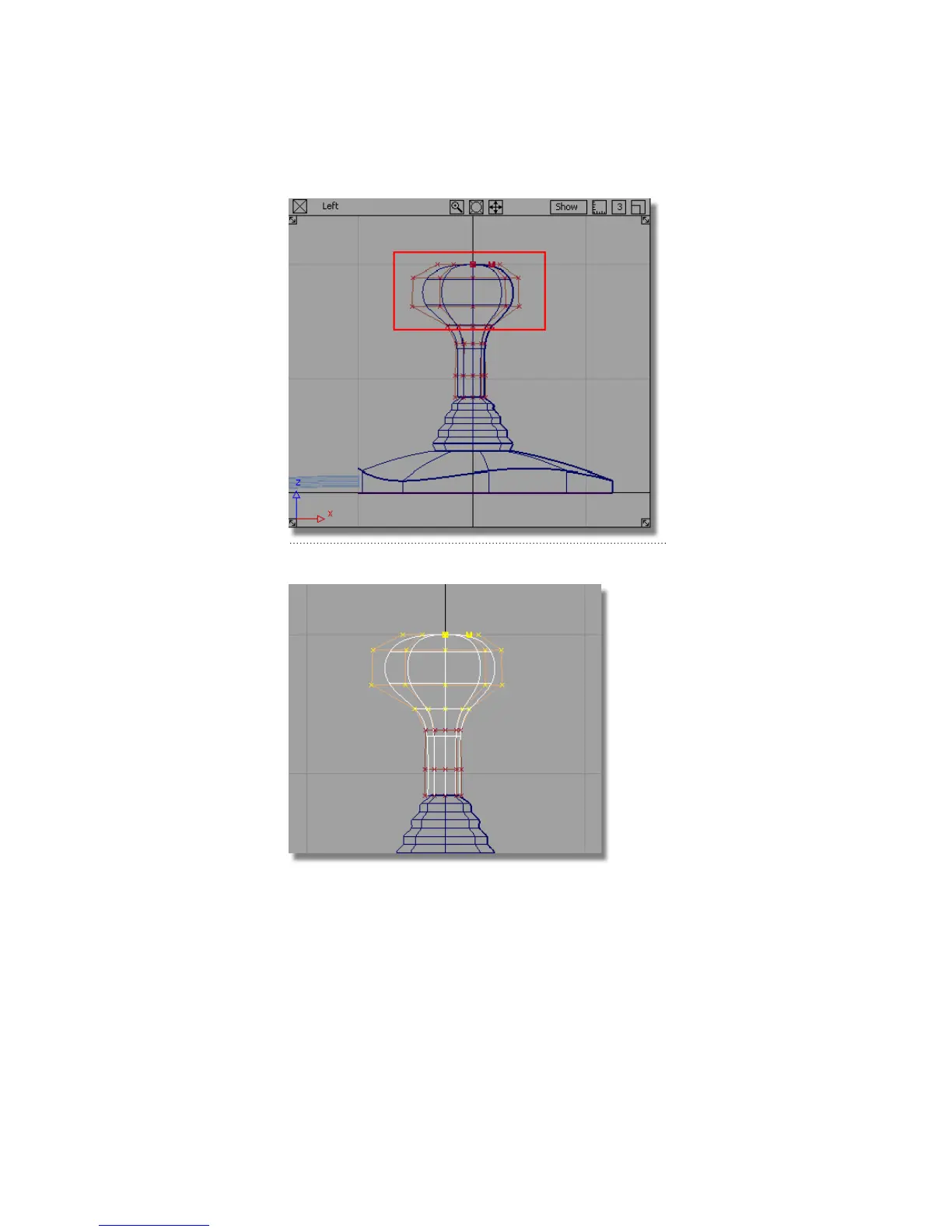
The CVs for the handle grip are selected.
Rotation always works around the object’s pivot point. The pivot point
for the CVs defaults to the origin. To rotate the CVs correctly, you will
position the pivot point at the center of the selected CVs, using the
Center pivot tool.
254 | Chapter 5 Modeling a Joystick



 To Next Page