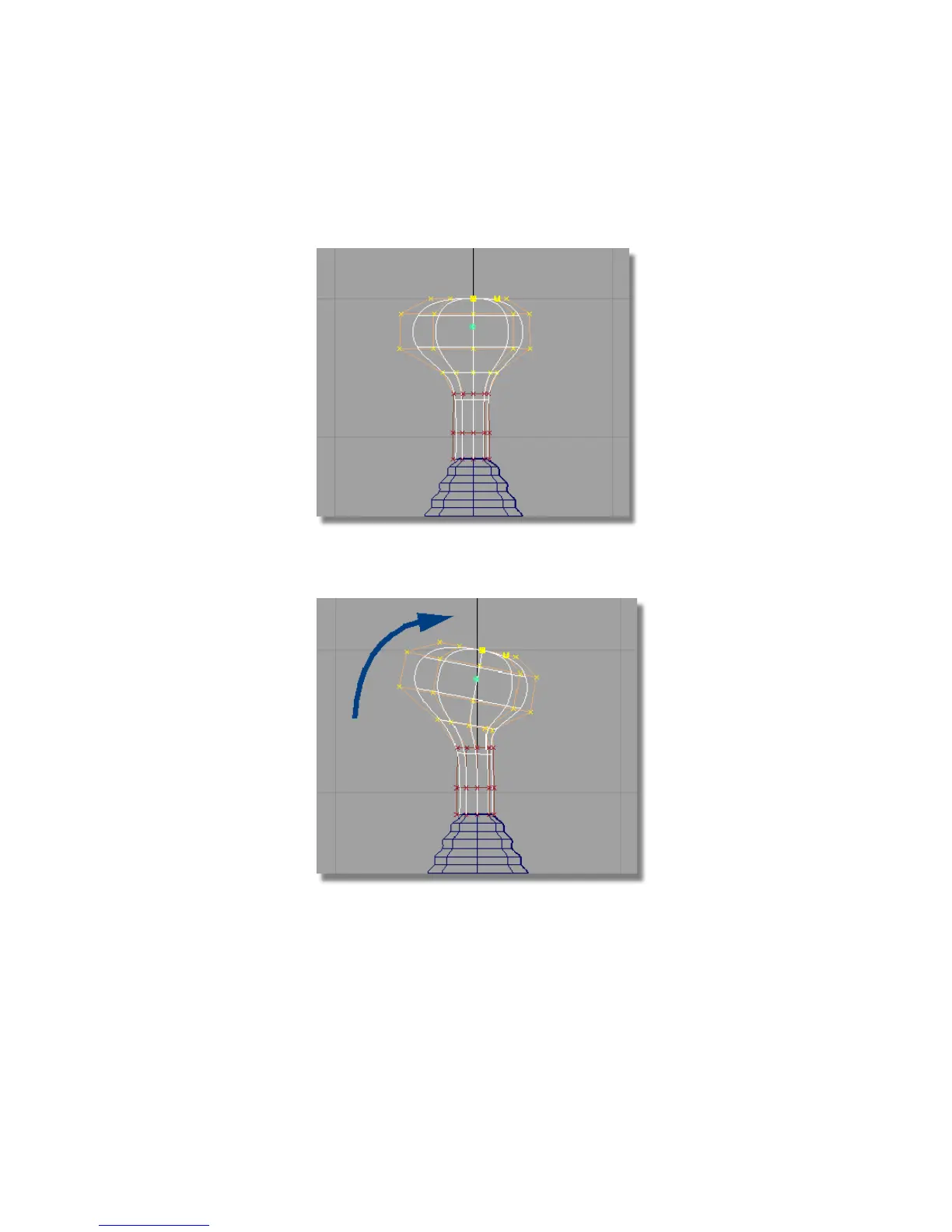
3 Choose Transform > Local > Center Pivot .
The pivot point for the CVs is placed in the center of the CVs.
4 Choose Transform > Rotate and click and drag with the middle mouse
button to rotate the CVs about the y-axis.
5 Choose Transform > Move and click and drag with the middle mouse button
to move the CVs slightly to the right to create a smooth transition from
shaft of the handle.
Part 6: Directly modifying surfaces | 255



 To Next Page