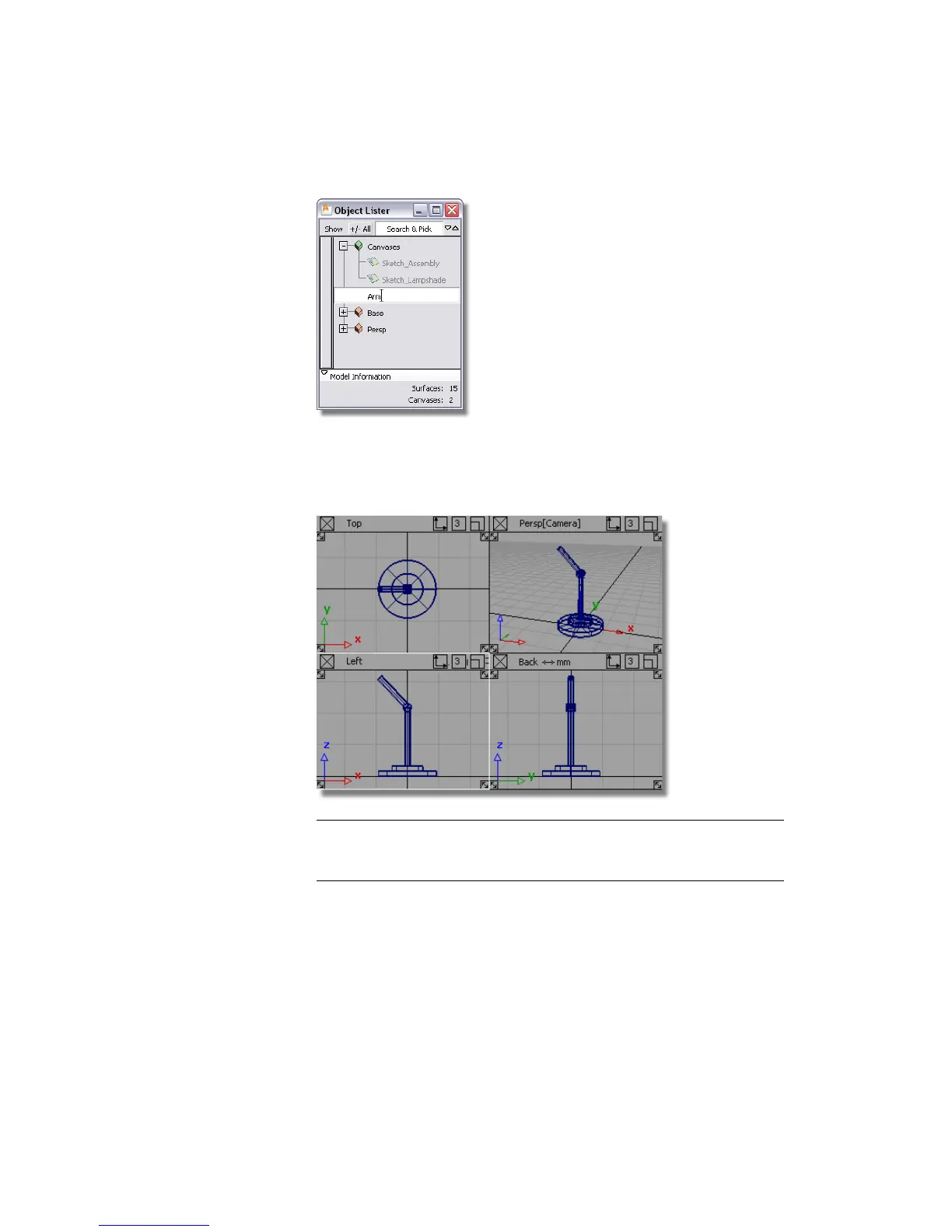
5 Choose Pick > Nothing to deselect all the objects.
6 Choose Layouts > All Windows > All Windows to display all four views,
and check that all the objects are in the right locations.
NOTE If there are any problems, ungroup the models and use Transform
> Move and Transform > Scale to adjust the model. Then, group the
components again, as before.
Saving your work
Choose File > Save As to save the current scene, and call your file mydesklamp3.
Part 3: Organizing the model | 121



 To Next Page