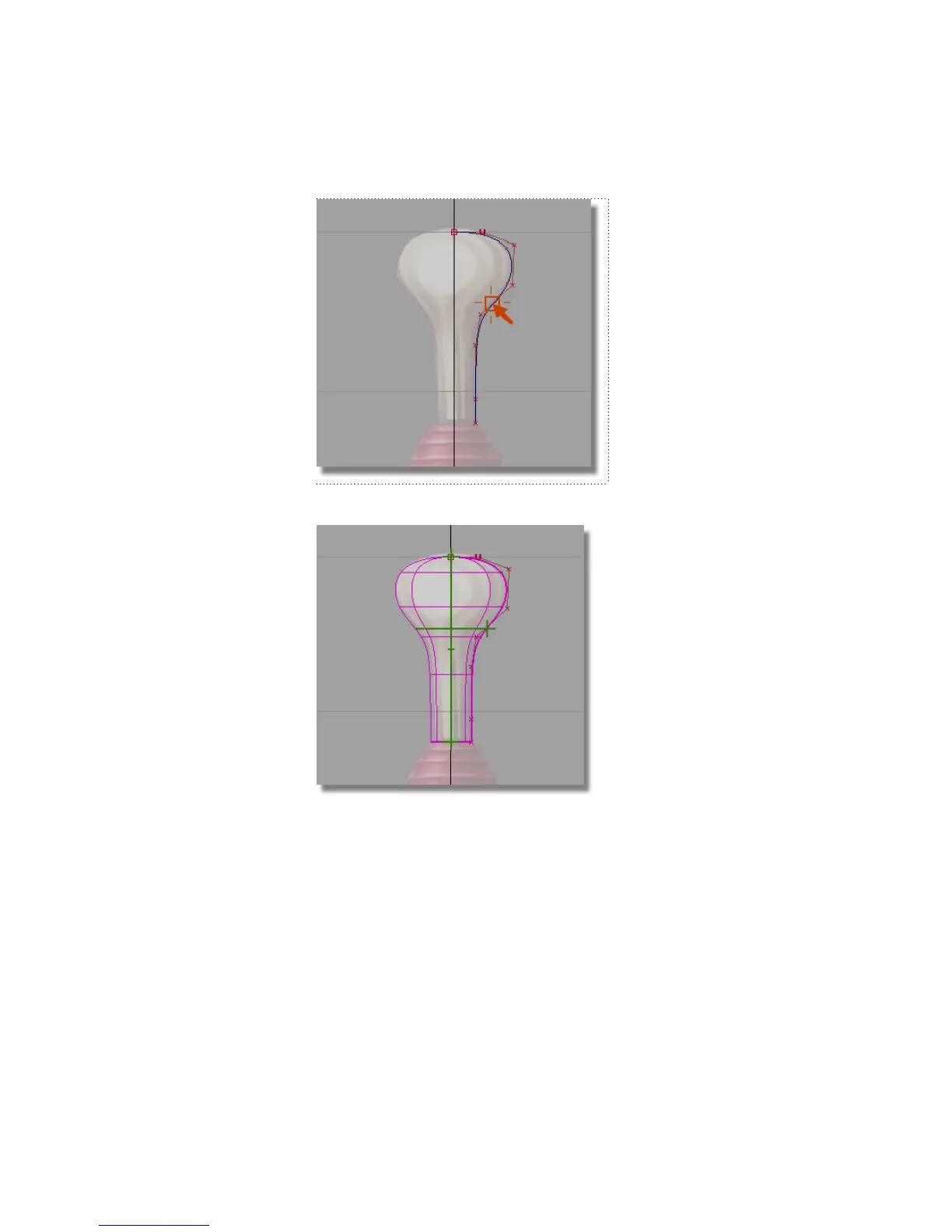
The curve is revolved and a surface is created.
When you initially create a surface of revolution, it has two green
manipulators. These manipulators enable you to easily change the sweep
of the profile curve and the angle of the revolution axis. The surface you
have created is correct, and so you won’t adjust the manipulators.
3 Choose Pick > Nothing to unpick the surface.
Part 1: Creating the Joystick Handle | 167



 To Next Page