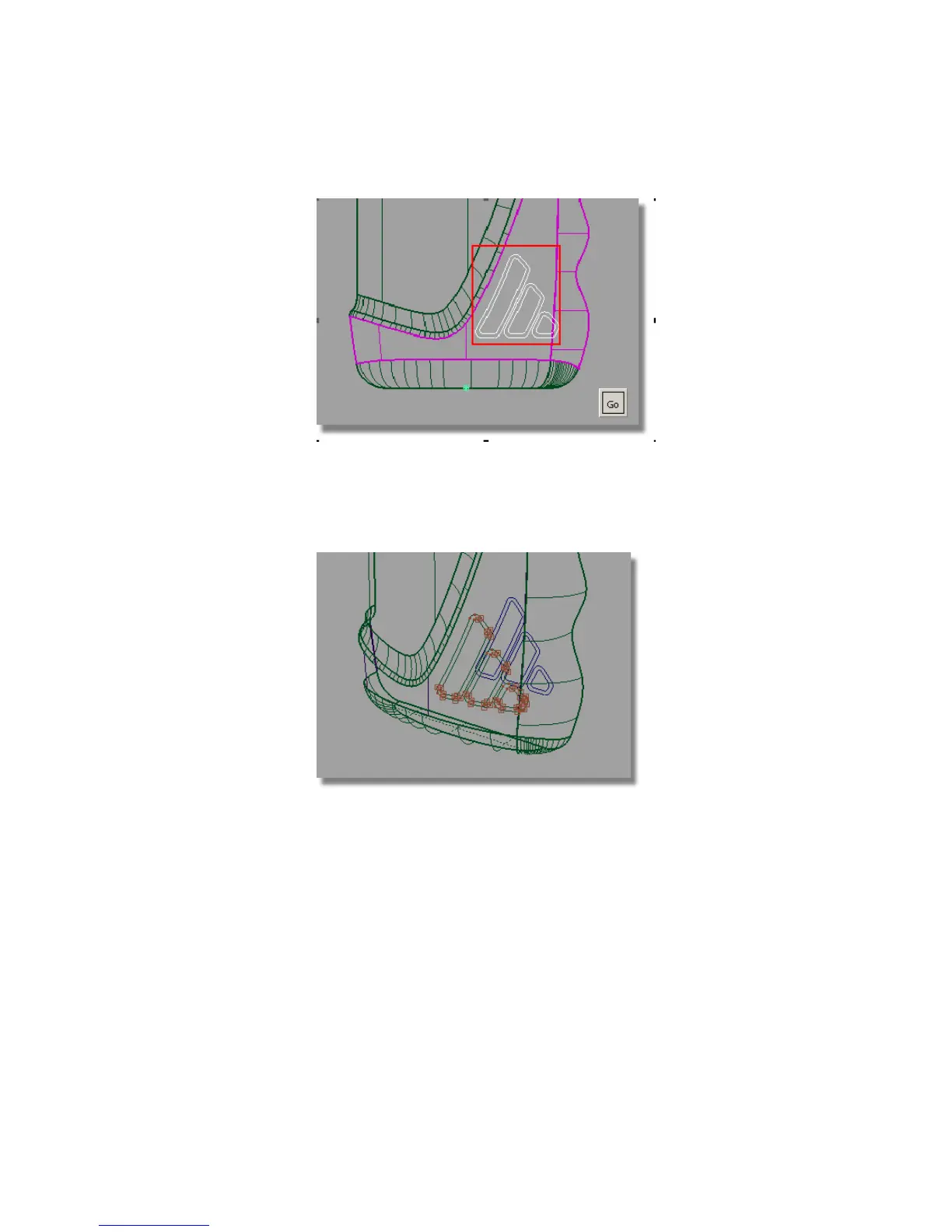
6 Click Go to project the curves. Curves-on-surface are created on the two
surfaces.
7 Maximize the Perspective window to see the curves-on-surface more
clearly.
Next, you will trim away the main surfaces.
8 Select the Surface Edit > Trim > Trim Surface tool. You are prompted to
select the surface to trim. Click the main bottle surface first.
Part 5: Embossed Logo Details | 573



 To Next Page