1 Choose Layers > New to create a layer.
The layer will only be used to temporarily organize the model, so there
is no need to re-name it.
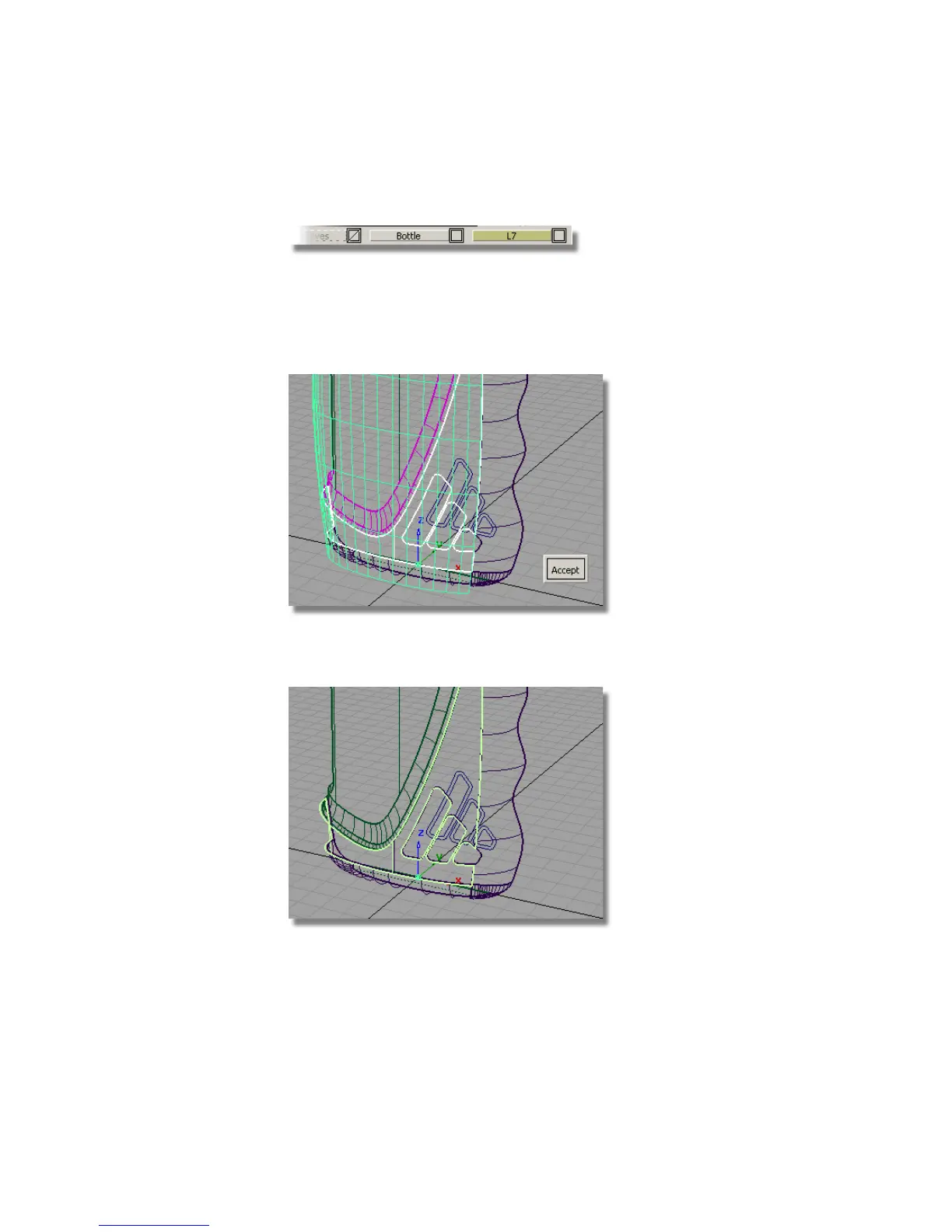
Now, create the offset surface.
2 Choose Object Edit > Offset and select the main bottle surface.
3 At the prompt line, type in an offset value of 0.5. Click Accept to create
the surface.
576 | Chapter 8 Modeling a Sports Shower Gel Bottle



 To Next Page