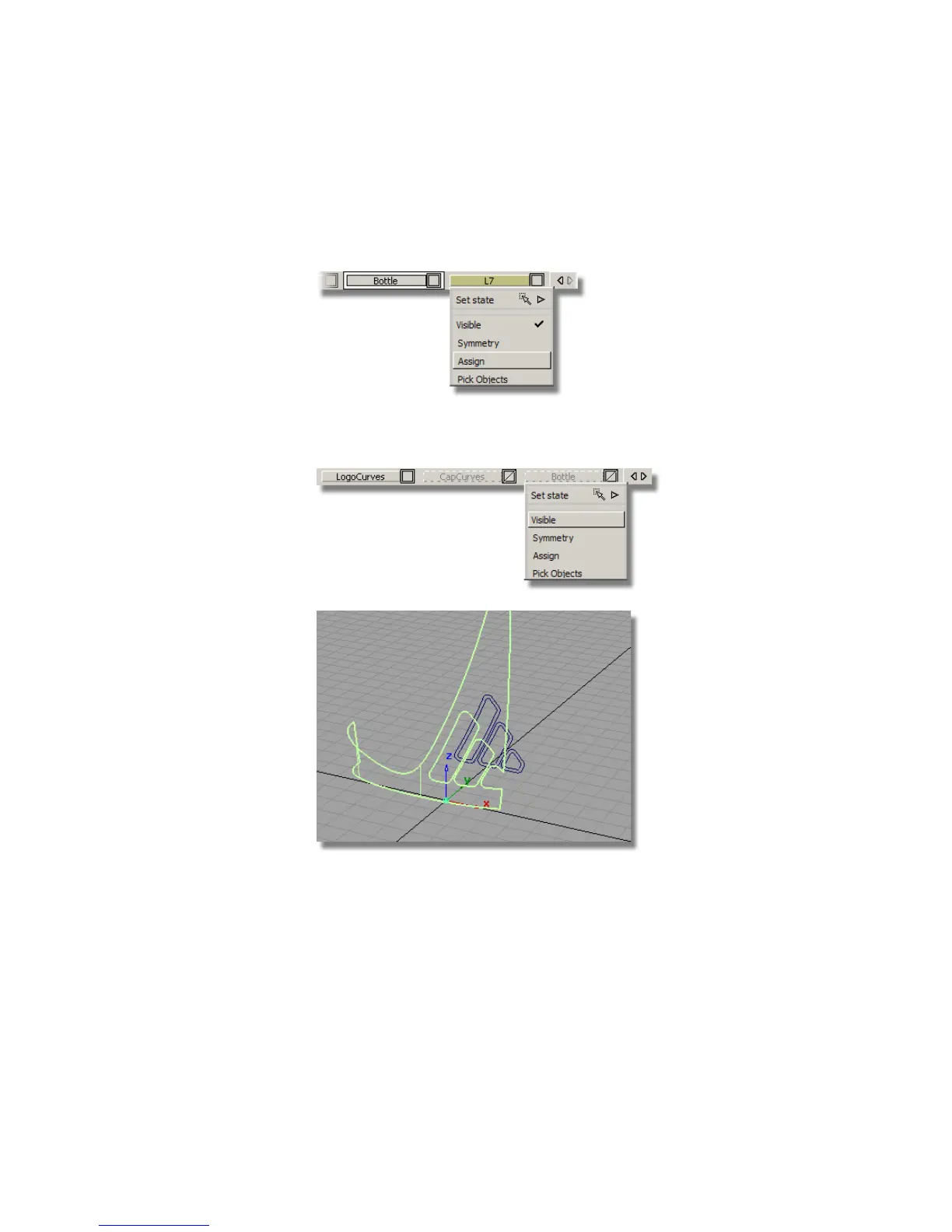
4 Choose Pick > Object and you will see the new surface is already
highlighted.
5 Assign the surface to the new layer.
6 Make the Bottle layer invisible so only the new surface is showing on
the screen.
When the surface was offset, the curves-on-surface and trims were offset
with it. As you don’t want these, you will un-trim the surface and remove
the curves-on-surface.
7 With the surface still selected, choose Surface Edit > Trim > Untrim.
Double-click the icon to open the option window.
Part 5: Embossed Logo Details | 577



 To Next Page