1 Maximize the Perspective window.
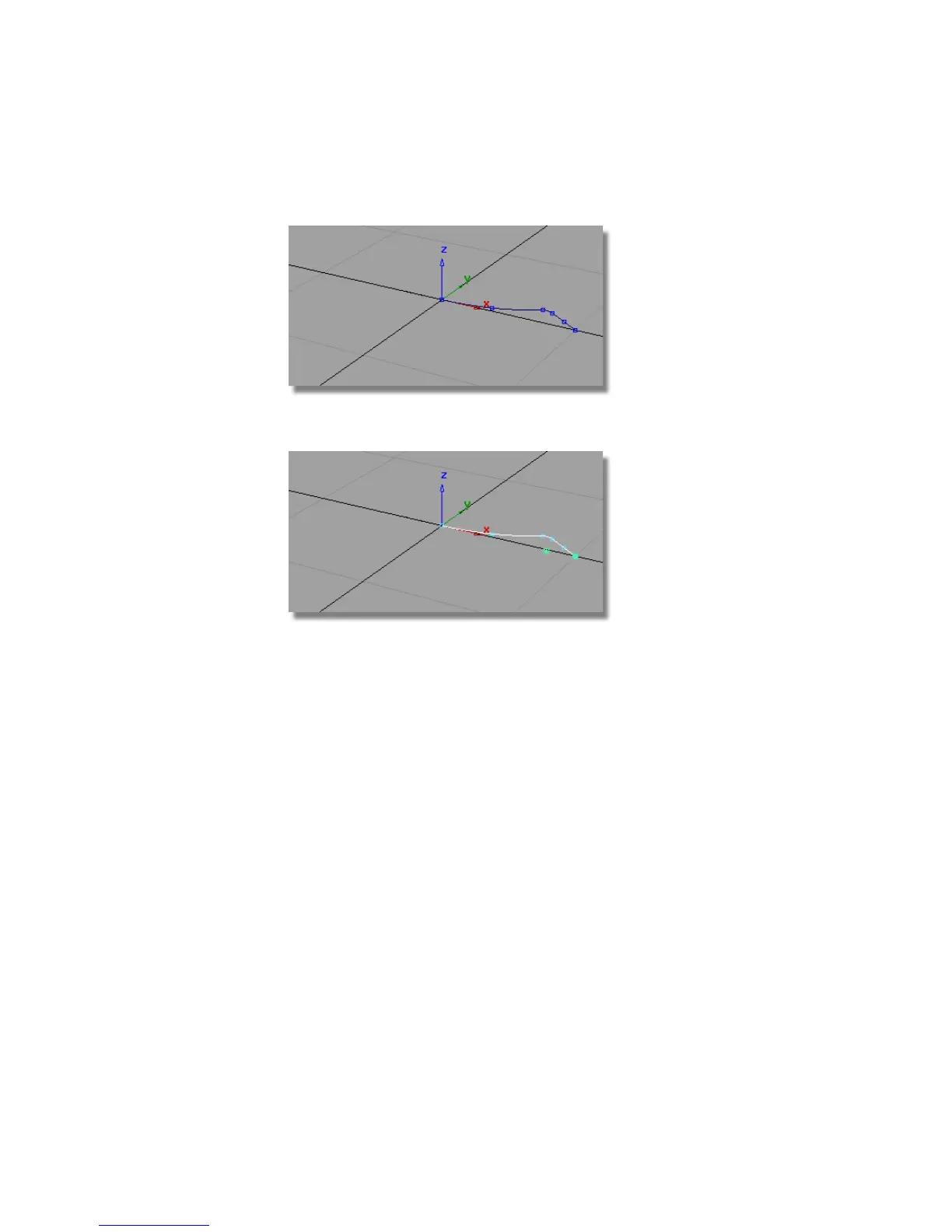
2 Choose Pick > Object and select the profile curves.
3
4 Choose Surfaces > Revolve and double-click to open the option window.
Choose the Global option for the Axes. This will allow you to revolve
many curves at once, around the origin, not around each curve’s pivot
point.
468 | Chapter 7 Modeling an MP3 Player



 To Next Page