Opening the tutorial file (optional)
If you successfully completed Part 5, you can proceed directly to the next step,
Deleting Construction History.
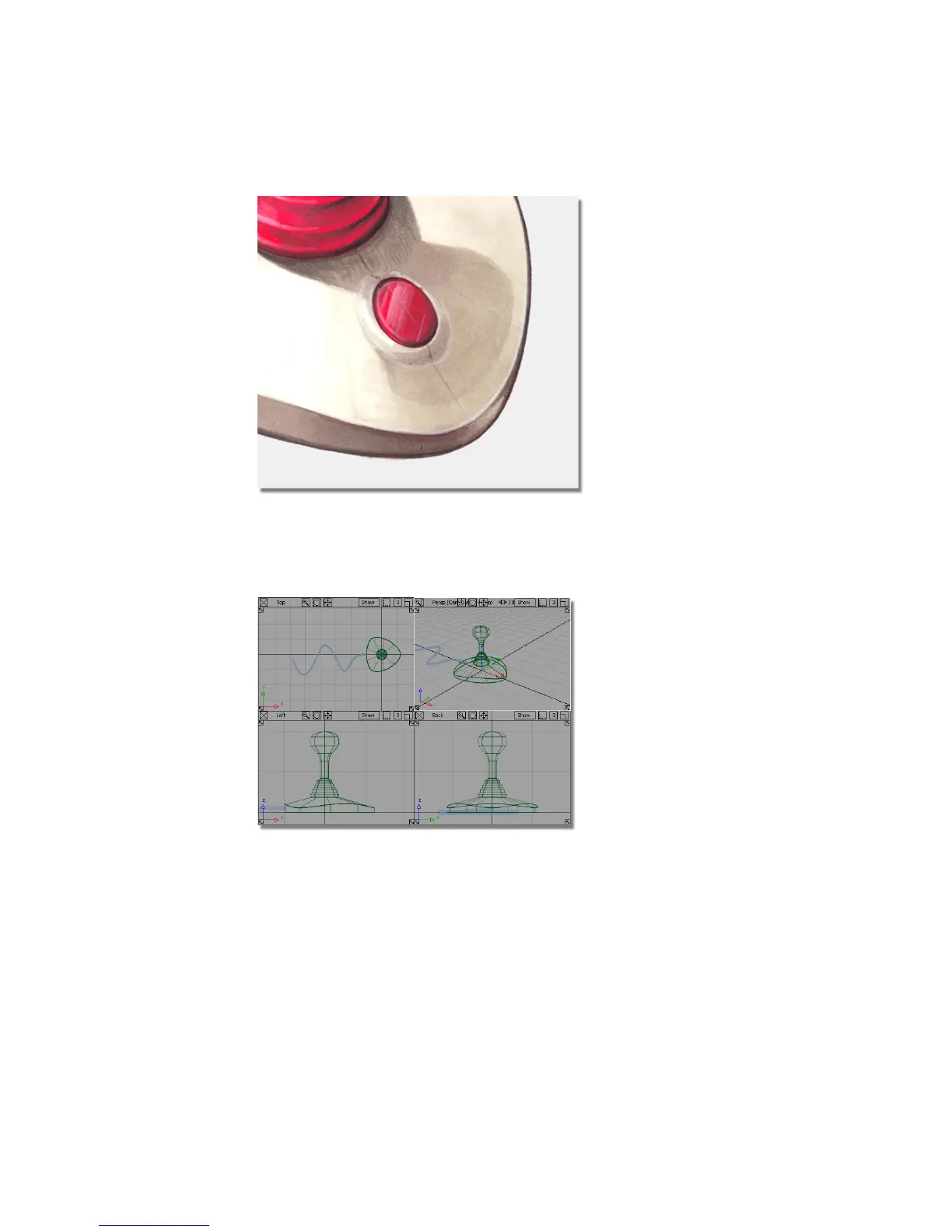
If you were not successful in part 5, open the file called joystick_part6.wire,
located in the wire directory of the CourseWare project. This file contains the
completed model from Part 5.
234 | Chapter 5 Modeling a Joystick



 To Next Page