The original upper surface will be trimmed to create the recess for the button.
To avoid confusion with these copied surfaces, you will first create layers for
the body surfaces, and for the power button surfaces.
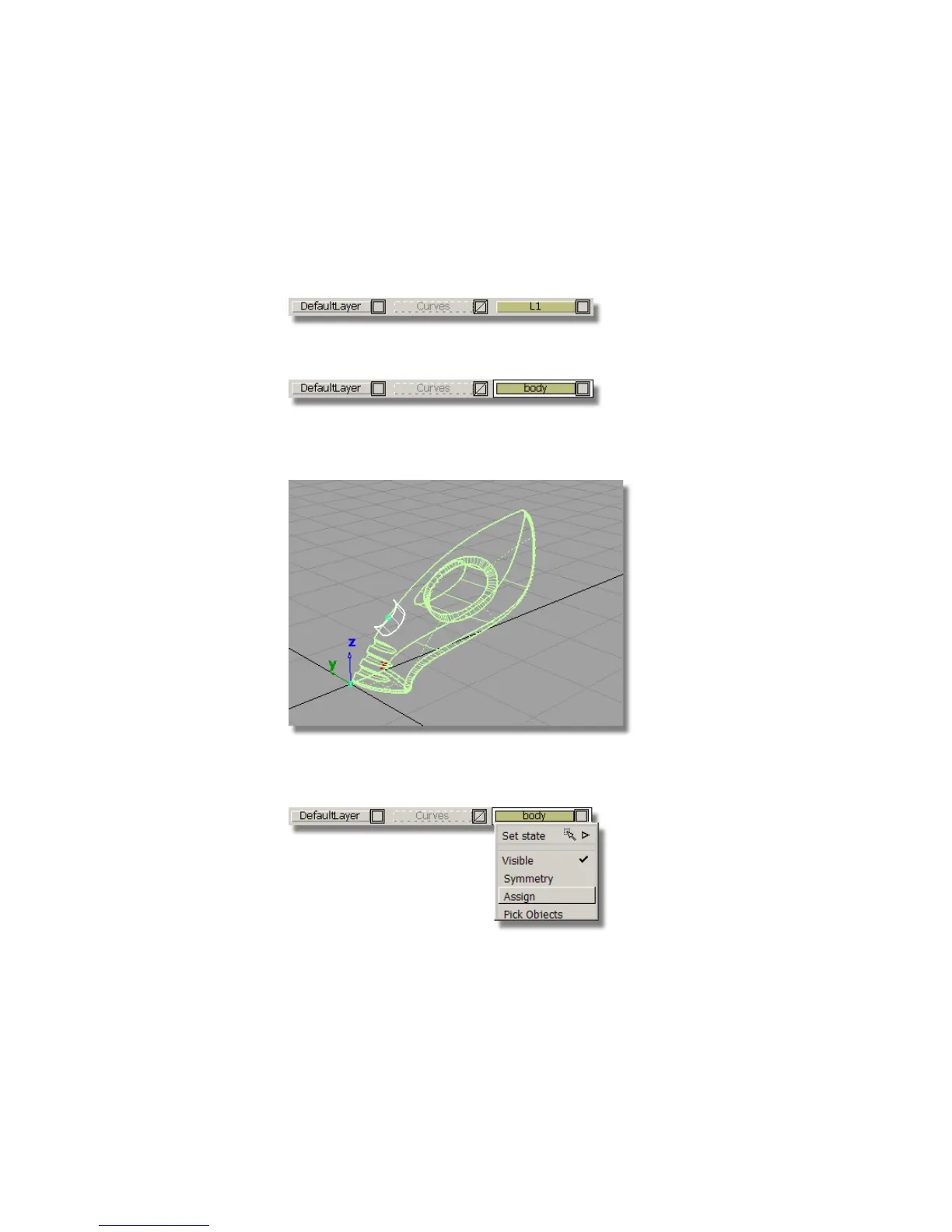
1 Choose Layers > New to create a layer.
2 Rename the layer body.
3 Choose Pick > Object . Click-drag a pick box over all the geometry to
select all the surfaces.
4 On the Layer Bar, click and hold on the body layer to see the pull-down
menu. Choose Assign to assign all the surfaces onto the layer.
5 Choose Pick > Nothing to deselect all the surfaces.
354 | Chapter 6 Modeling a Vacuum Cleaner



 To Next Page