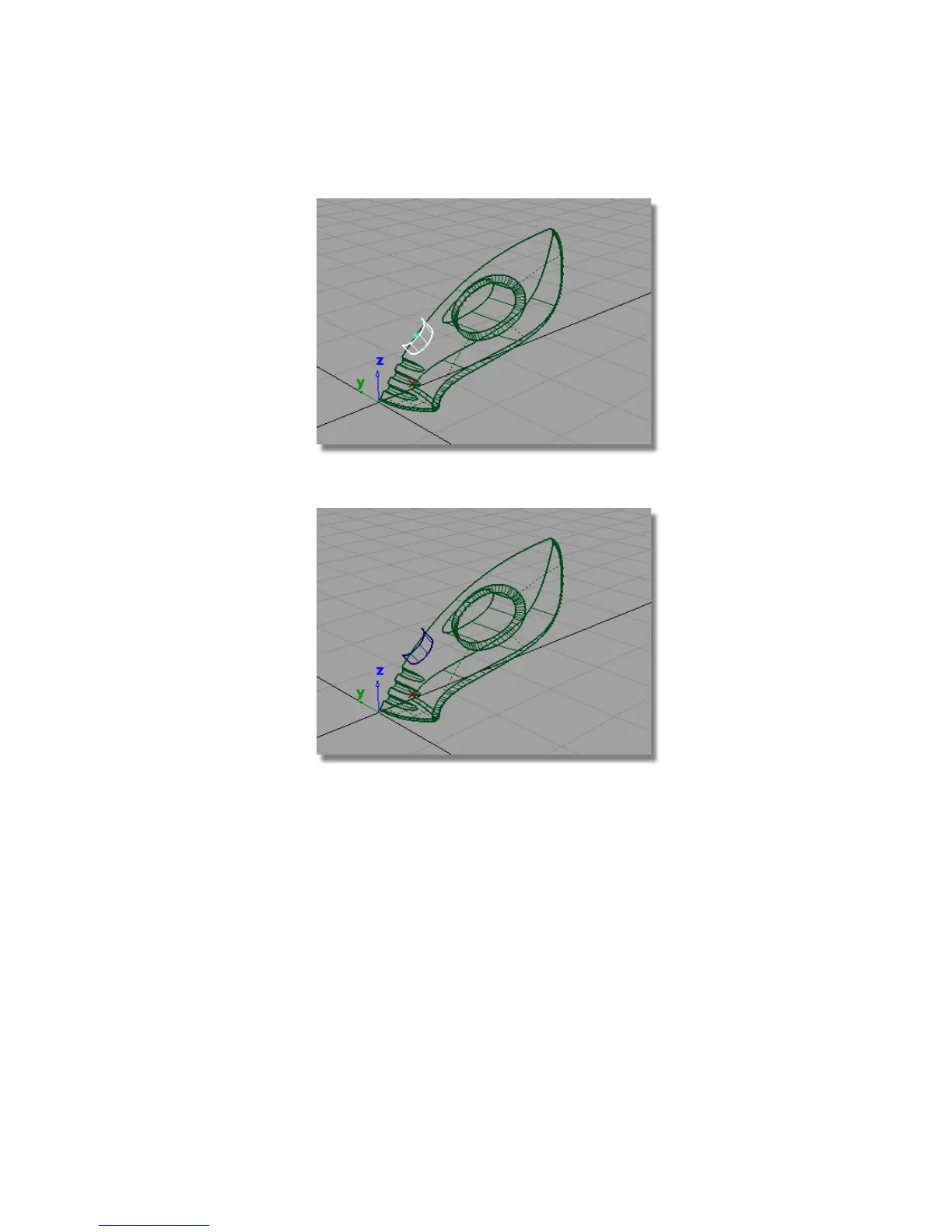
11 Choose Pick > Nothing to deselect the cylinder.
Creating two surfaces for the button and the recess
The cylinder you have just created will be used twice. First, you will use it as
the sidewall of the power button, then a second copy will be used to create
the sidewall of the recess in the main body.
The upper surface will also be used twice. A copy will be used to create the
top of the power button. Most of the surface will be trimmed away, but the
part that is left will be flush with the vacuum body.
Part 6: Power Button | 353



 To Next Page