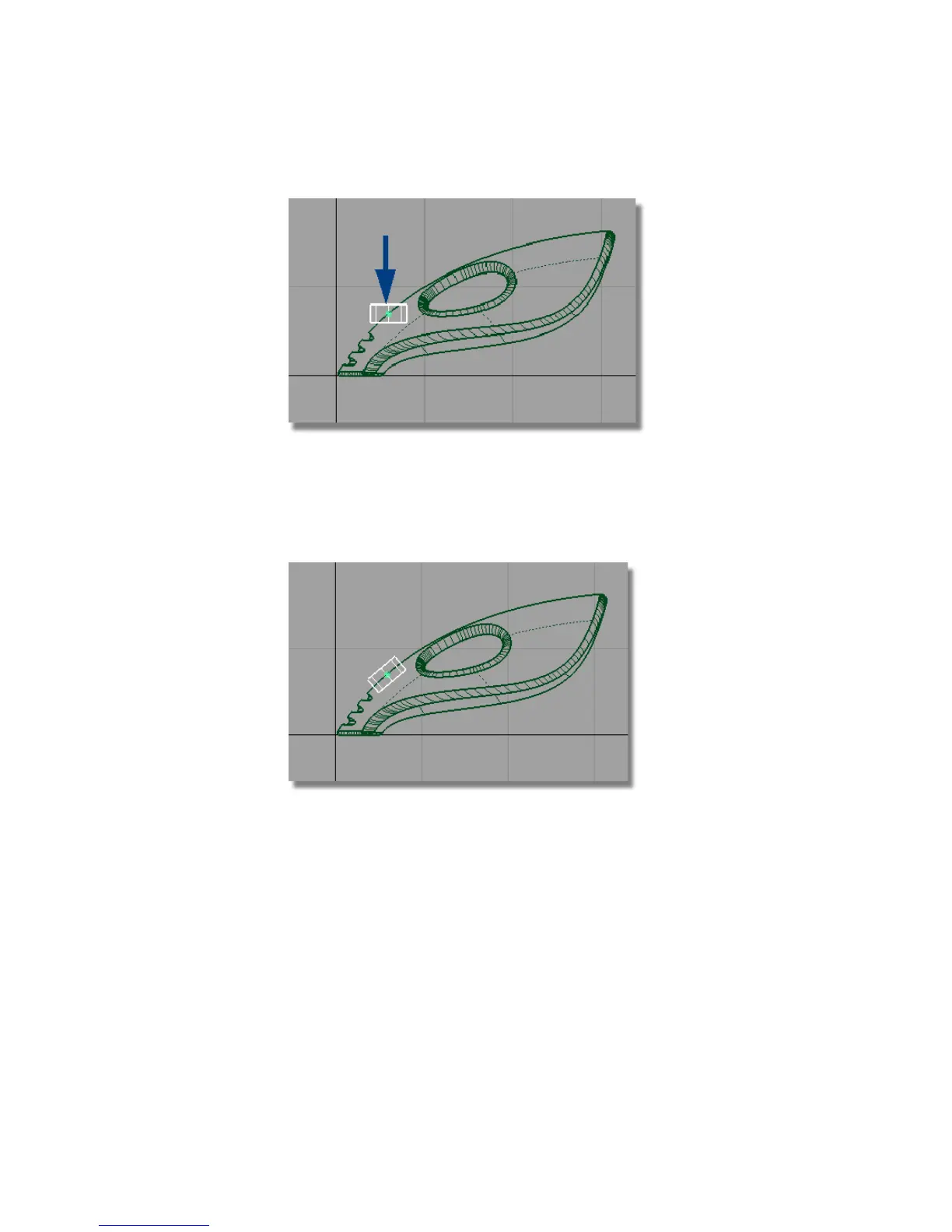
The cylinder moves along the edge.
9 Choose Transform > Rotate and type in 0,-40,0 to rotate the cylinder
around the y-axis. Check that the cylinder is entering the upper surface
at a good angle. If you need to adjust the angle further, click and drag
the middle mouse button to adjust the y-rotation.
10 Choose Layouts > Perspective , or the F8 hotkey to return to the
perspective view.
352 | Chapter 6 Modeling a Vacuum Cleaner



 To Next Page