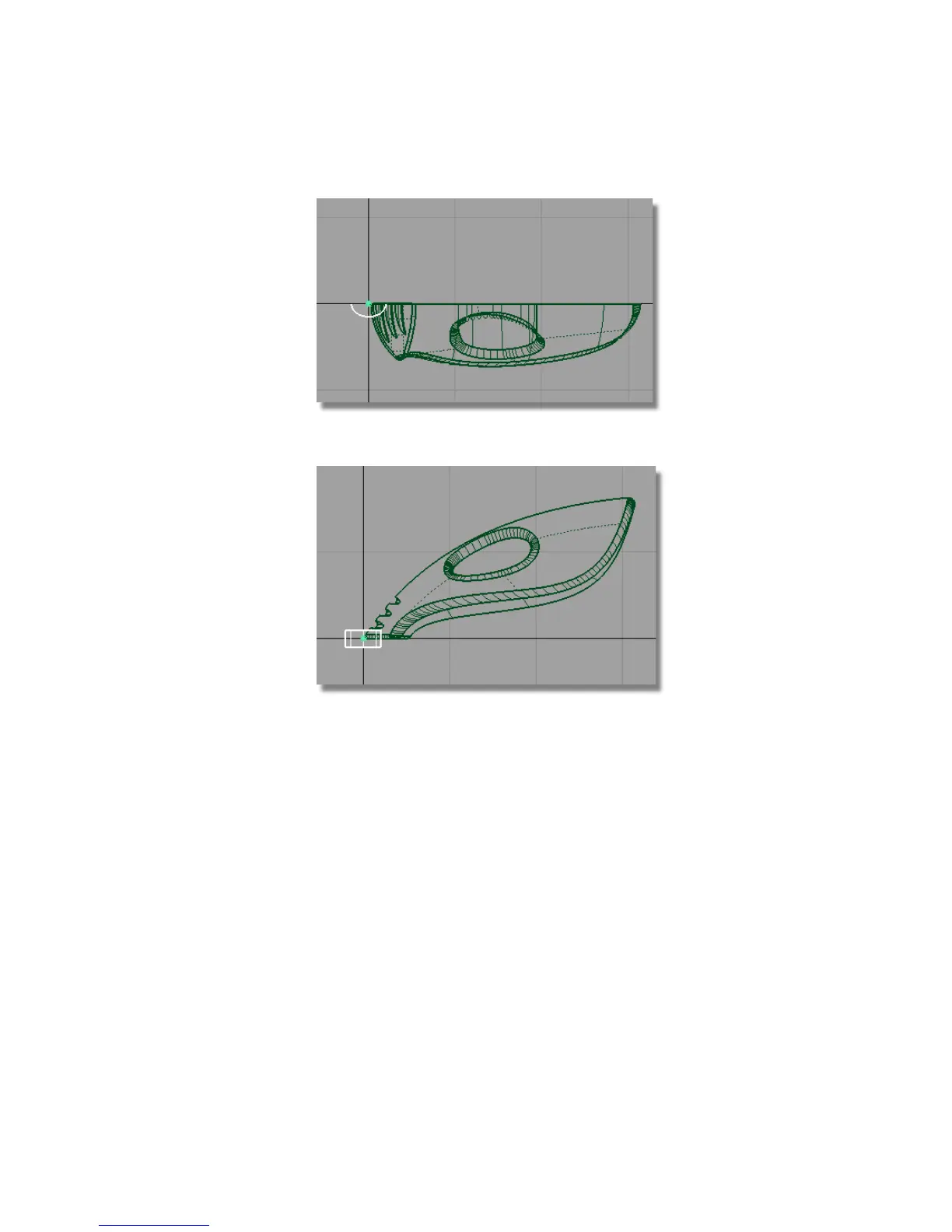
7 Choose Layouts > Left to switch to the Left view.
8 Choose Transform > Move . Hold down the Ctrl and Alt (Windows) or
Control and Command (Mac) keys to turn on curve snapping. Point the
cursor at the top edge of the upper surface and click and hold down the
left mouse button. With the mouse button still pressed, move the cylinder
until it is roughly half way between the handle and the air vents.
Part 6: Power Button | 351



 To Next Page