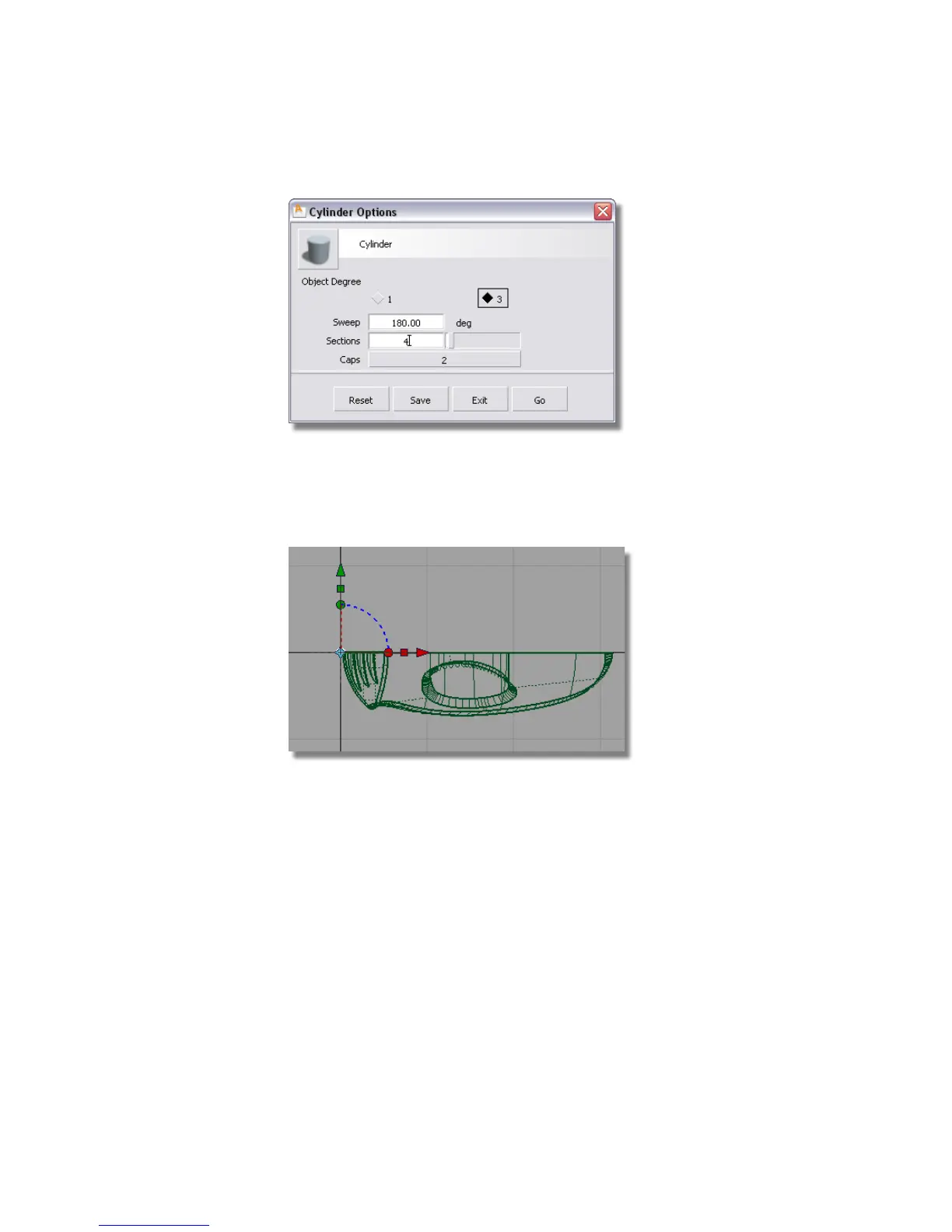
Click the Go button to create the half cylinder.
5 In the Top view, hold down the Alt (Windows) or Command (Mac) key to
turn on grid snapping, and click near the origin. Snapping the cylinder
on the origin ensures that it is centered.
6 With the cylinder still selected, choose Transform > Non-p Scale . Type
in 4,-3,2 to scale the half cylinder to an oval shape, and to invert it so it
is on the right side of the grid.
350 | Chapter 6 Modeling a Vacuum Cleaner



 To Next Page