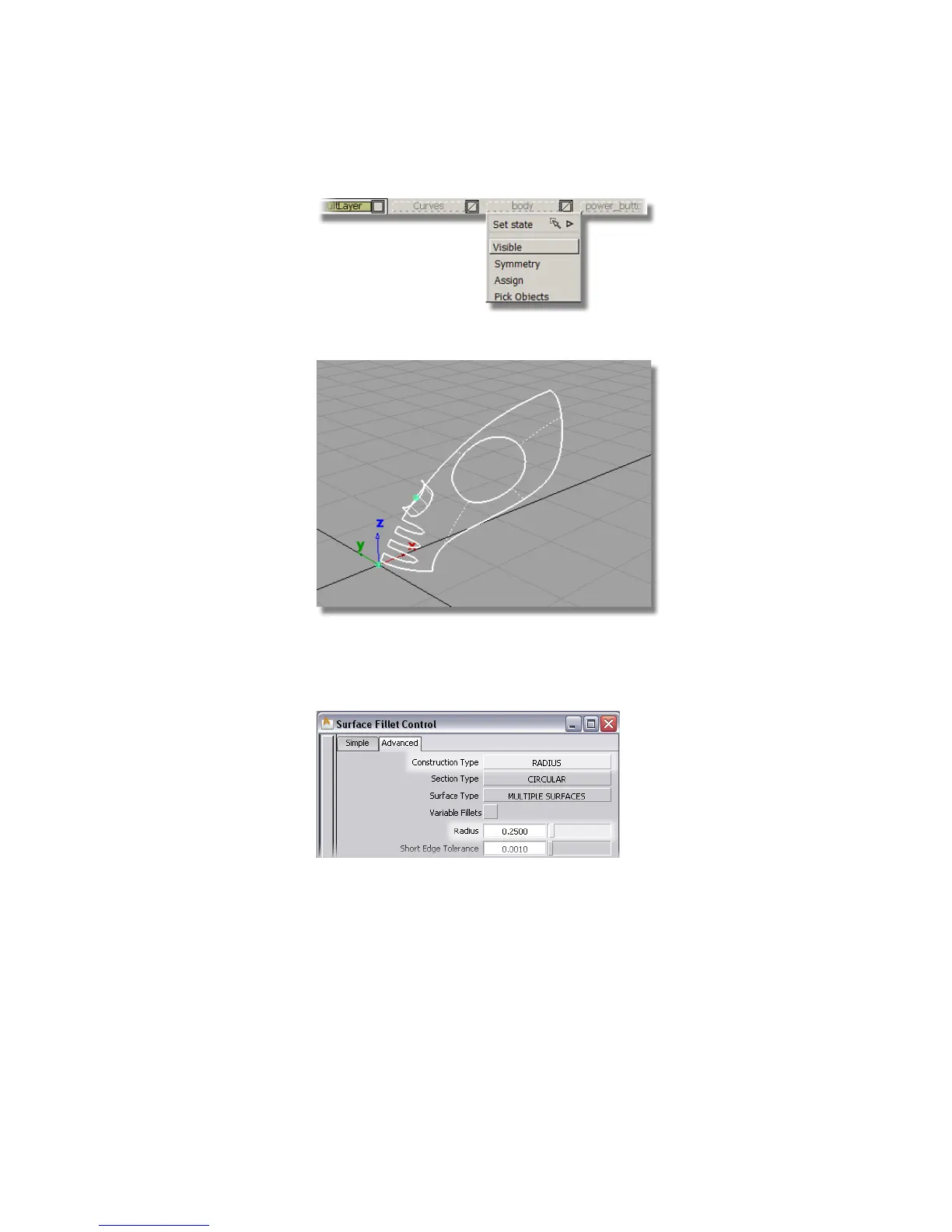
Only the two surfaces you copied are visible.
2 Choose Surfaces > Surface Fillet . Double-click the icon to open the option
box.
Change the settings to Construction Type RADIUS and Radius 0.25.
Close the Surface Fillet option window.
You are prompted to select the first set of surfaces.
3 Click the upper surface to select it.
Part 6: Power Button | 357



 To Next Page