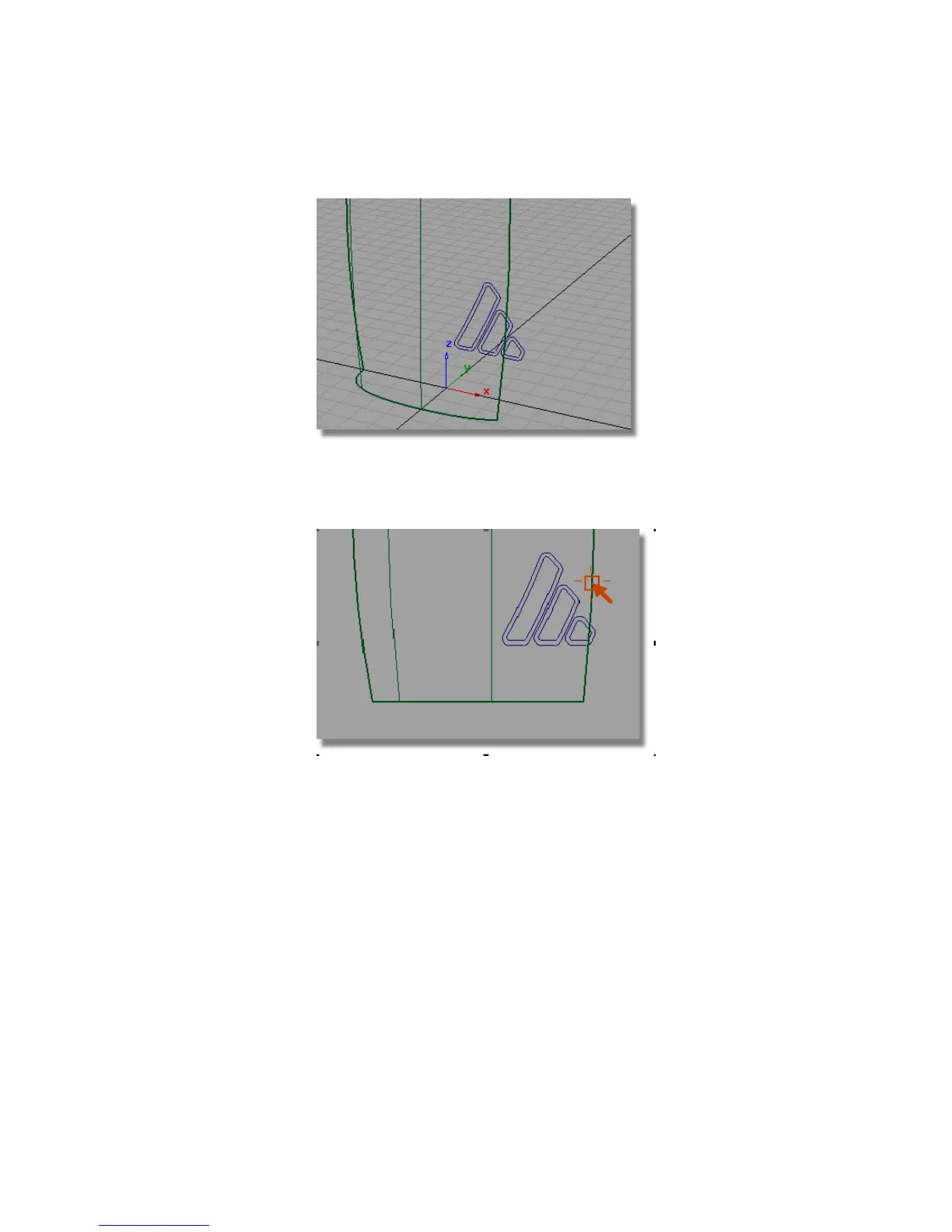
11 Maximize the Left view. You can see that the logo curves extend beyond
the surface by a small amount. The easiest solution is to extend the surface
slightly so the curves fit.
You will use the Extend tool interactively, to extend the surface a small
amount by eye.
12 Choose Object Edit > Extend and click the edge shown. You will be asked
if you want to remove the construction history – answer Yes.
Part 5: Embossed Logo Details | 579



 To Next Page