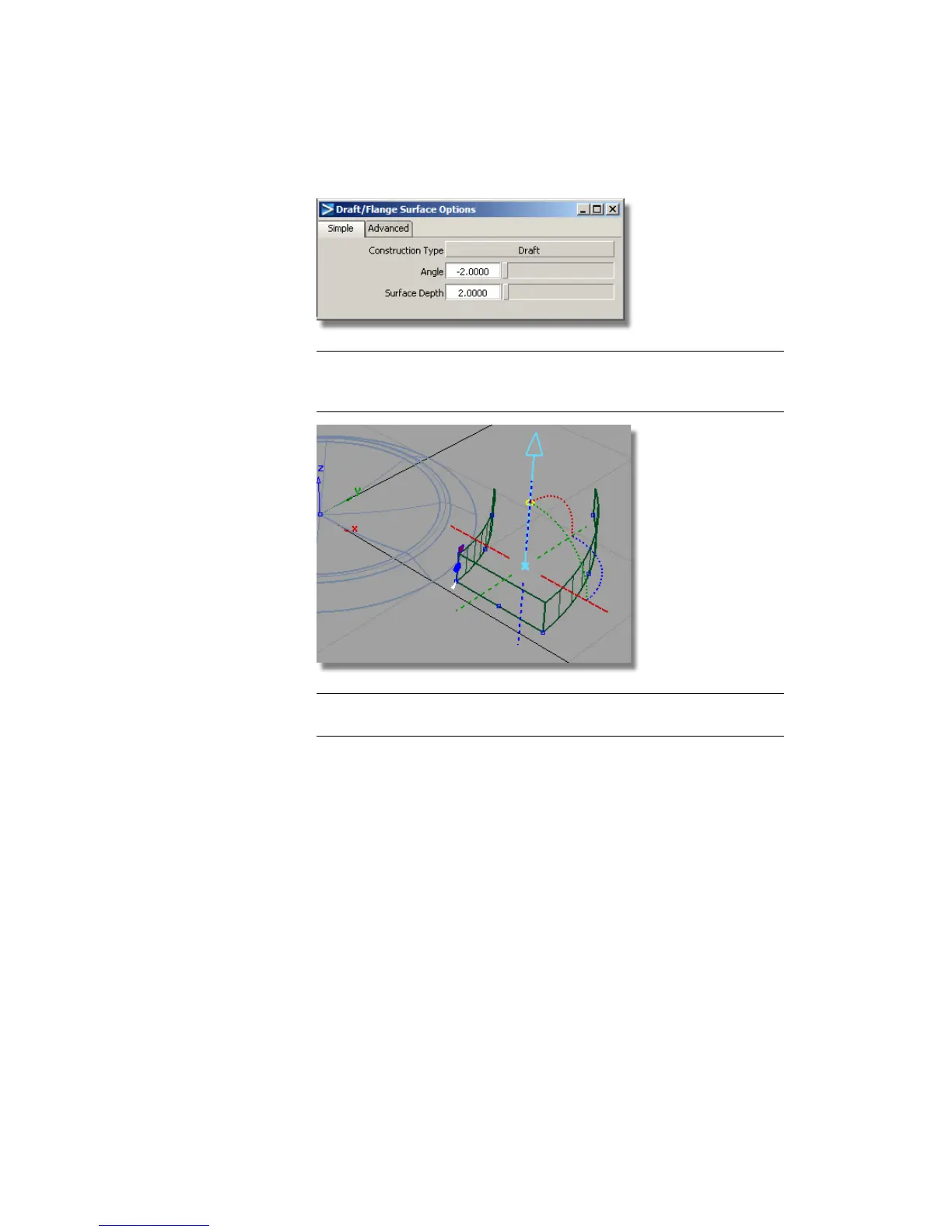
TIP The pull direction may be set to –z from the last Draft operation. Click
the dotted blue line to make sure the pale blue arrow is pointing upwards in
a positive z direction.
NOTE Depending on your curves, you may need to change the Draft Angle
to +2 to get the side walls falling inwards with the draft.
4 Choose ObjectDisplay > Visible to make the revolved surface of the button
visible again.
Part 6: Control Button | 487



 To Next Page