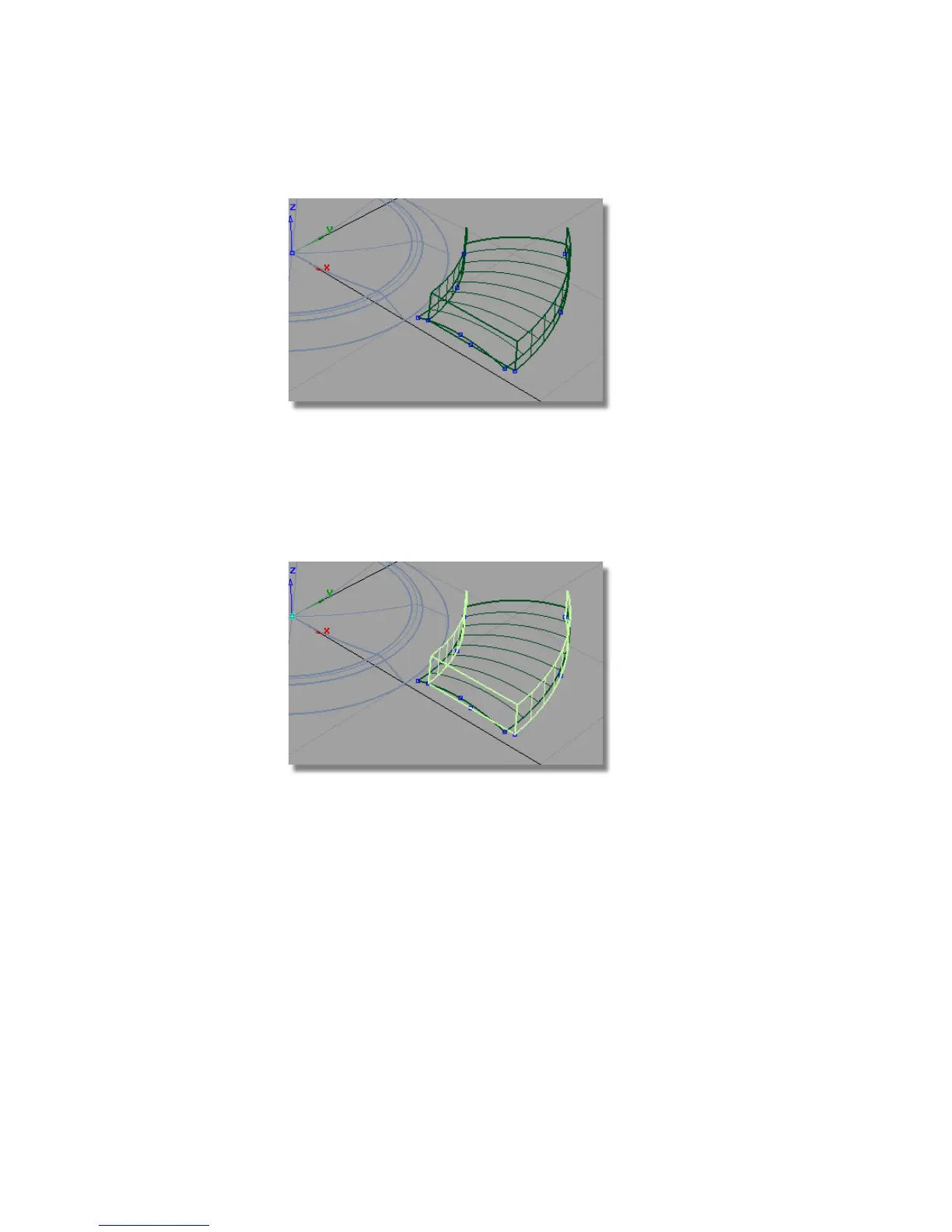
Intersecting and trimming the buttons
Now you will intersect and trim the button surfaces to create a trimmed
model and then use the Round tool to complete the button design.
1 Choose Pick > Object and pick the draft surfaces.
2 Choose Surface Edit > Create CurvesOnSurface > Intersect .
As the draft surfaces have already been selected, you will be prompted to
select the intersecting surfaces.
Click the revolved surface.
488 | Chapter 7 Modeling an MP3 Player



 To Next Page