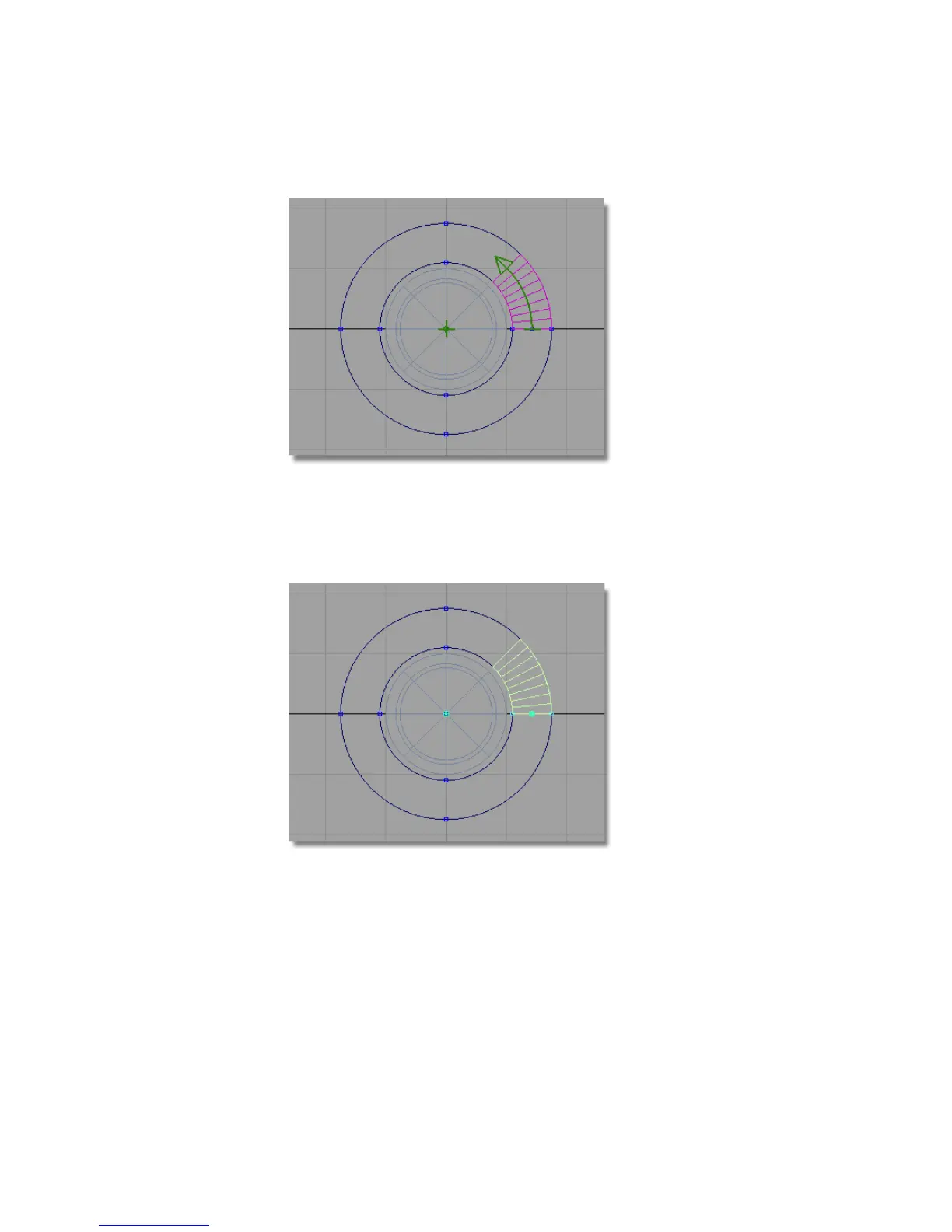
The revolved surface is created.
Now you will temporarily hide the revolved surface and the arc, to make
it easier to work on the outline curves.
10 Choose Pick > Object and select the surface and the arc.
11 Choose ObjectDisplay > Invisible to temporarily hide the surface and the
curves.
478 | Chapter 7 Modeling an MP3 Player



 To Next Page