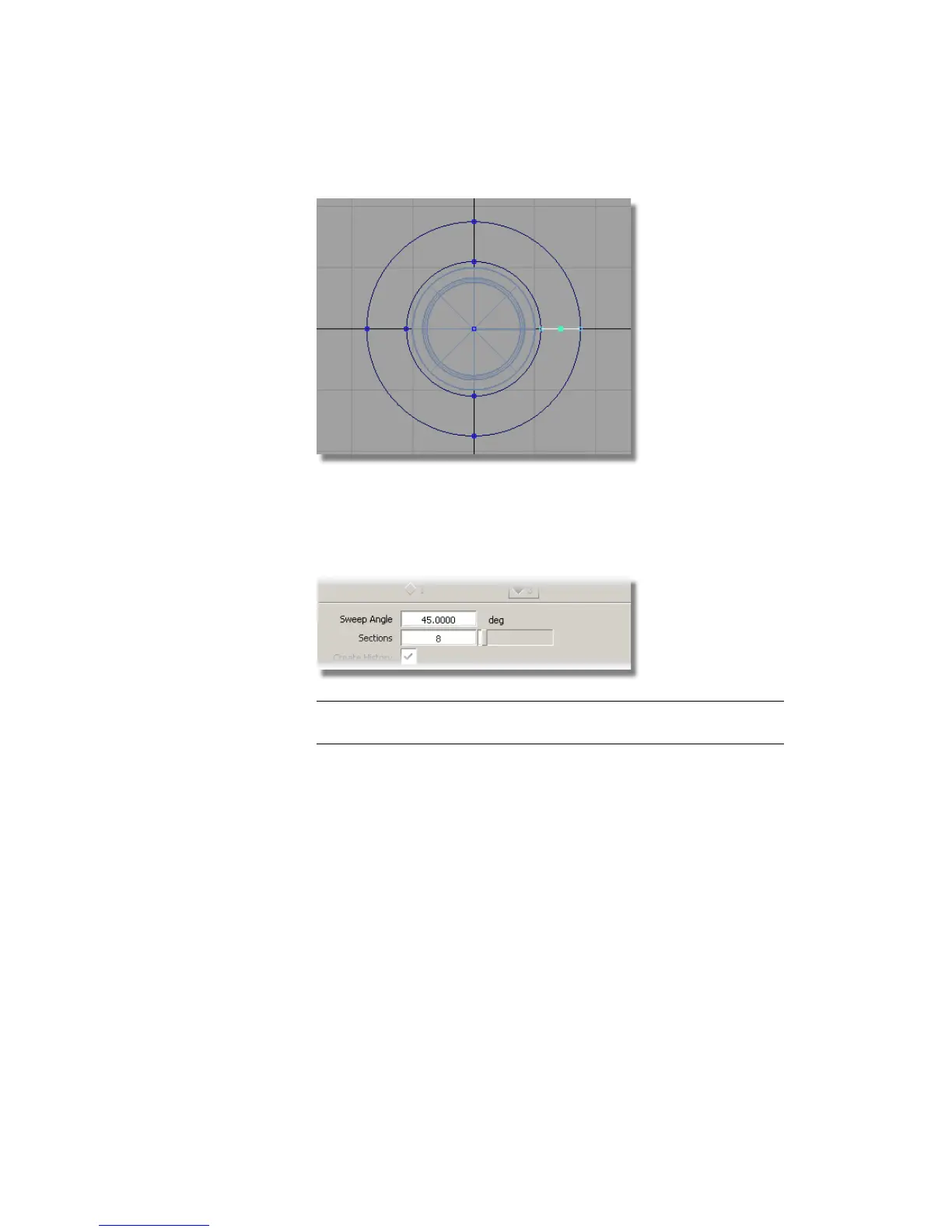
9 Choose Surfaces > Revolve and double-click the icon to open the option
window.
Change the Sweep Angle to 45, and ensure that Axes is set to Global,
then click Go.
TIP When revolving a smaller amount, you can reduce the number of sections
to reduce the isoparms in the revolved surface.
Part 6: Control Button | 477



 To Next Page