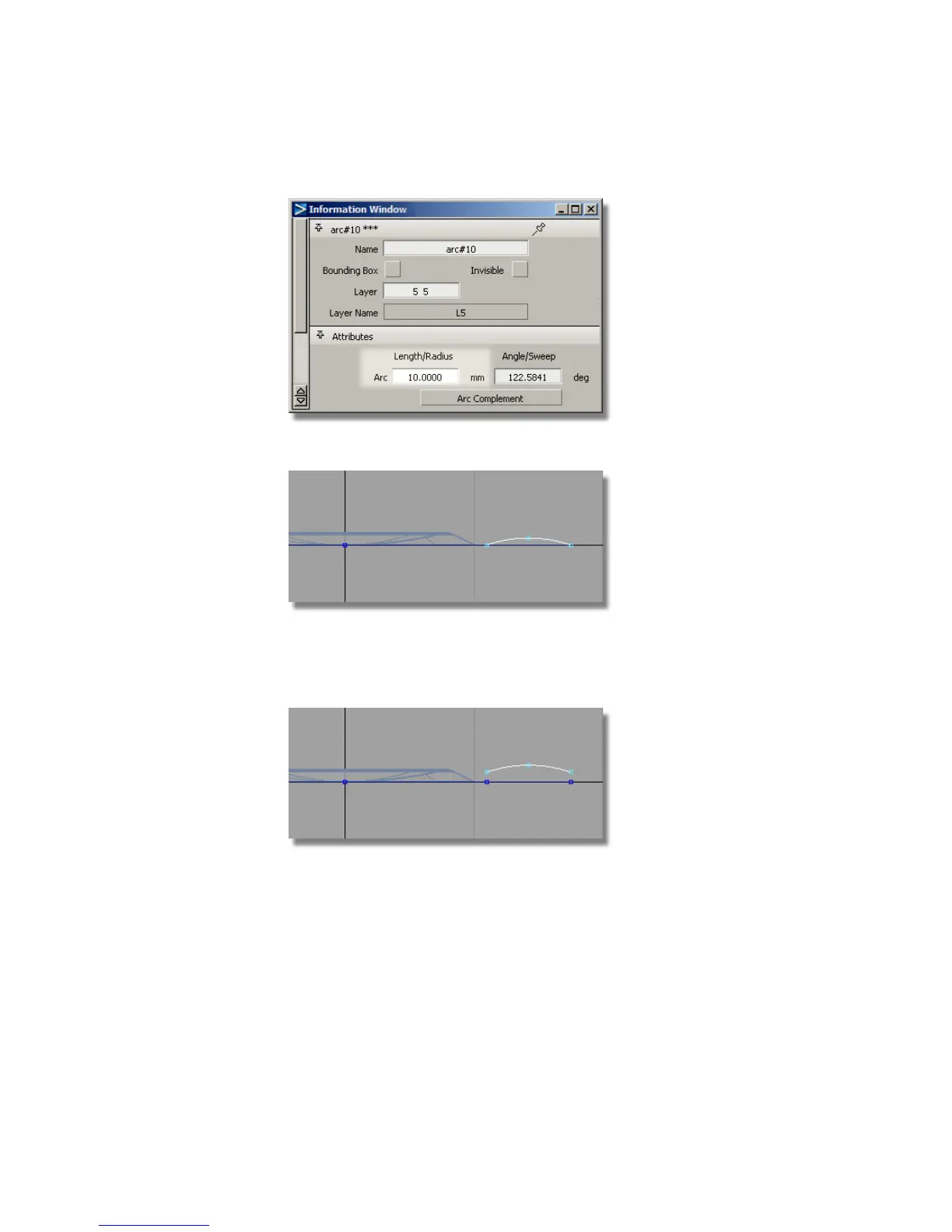
The radius is changed, but the end points remain in the same locations.
Now you will move the arc up to raise the button surface above the casing.
7 With the arc still selected, choose Transform > Move and type in 0,0,0.75
to move the arc up 0.75mm in the z-direction.
8 Maximize the Top window. Leave the curve selected, as it will now be
used to create a revolved surface.
476 | Chapter 7 Modeling an MP3 Player



 To Next Page