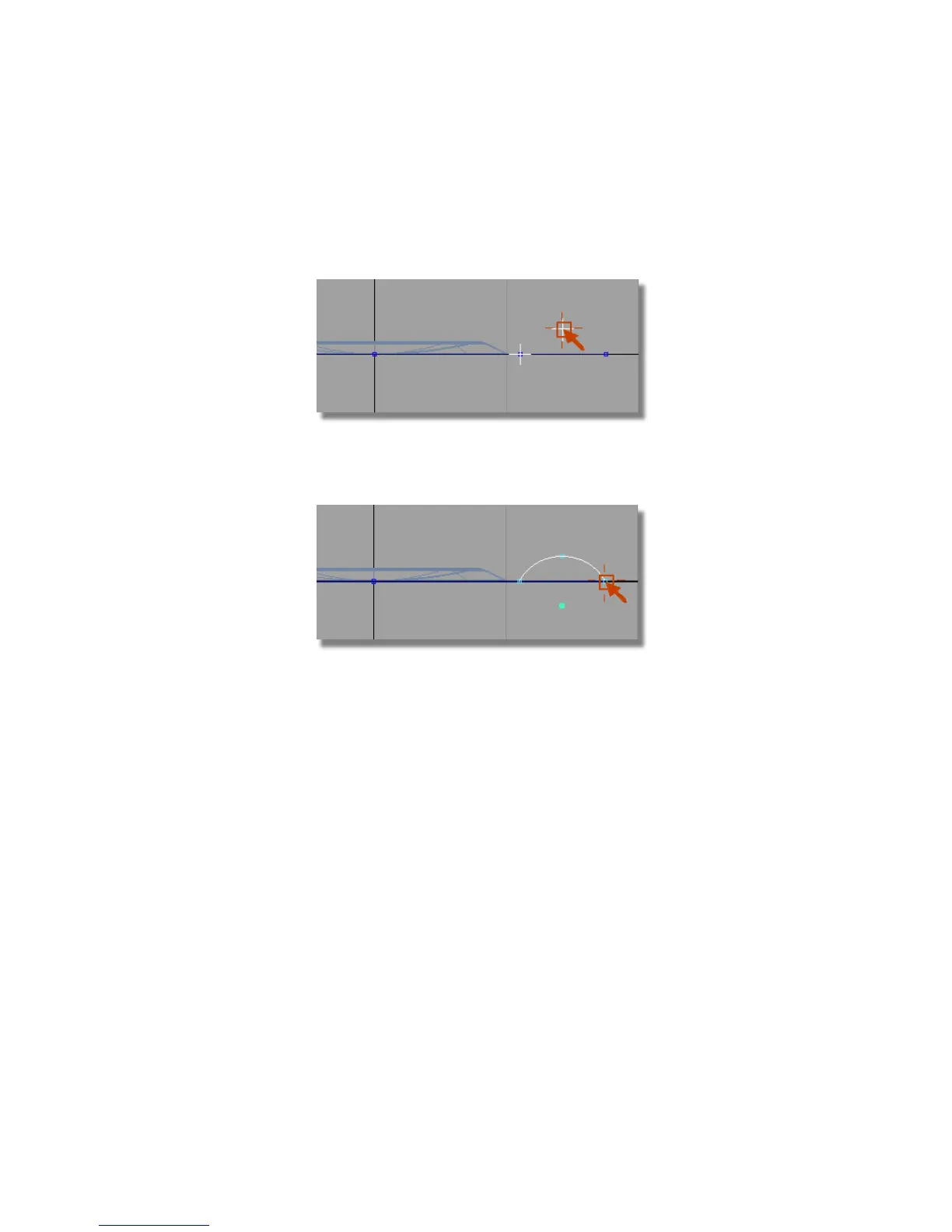
When prompted for the next point on the arc, select an approximate
location for the peak of the curve. This doesn’t need to be accurate, as
later you will set the radius of the arc accurately using the Information
window.
When prompted to place the end point of the arc, use the point snap
(Ctrl (Windows) or Control (Mac) key) again and choose the keypoint on
the large circle.
The arc is created at an approximate radius, but with an accurate start
and end point.
6 With the arc still selected, choose Windows > Information > Information
Window .
Open the Attributes section, and change the Arc Length/Radius to
10.
Part 6: Control Button | 475



 To Next Page