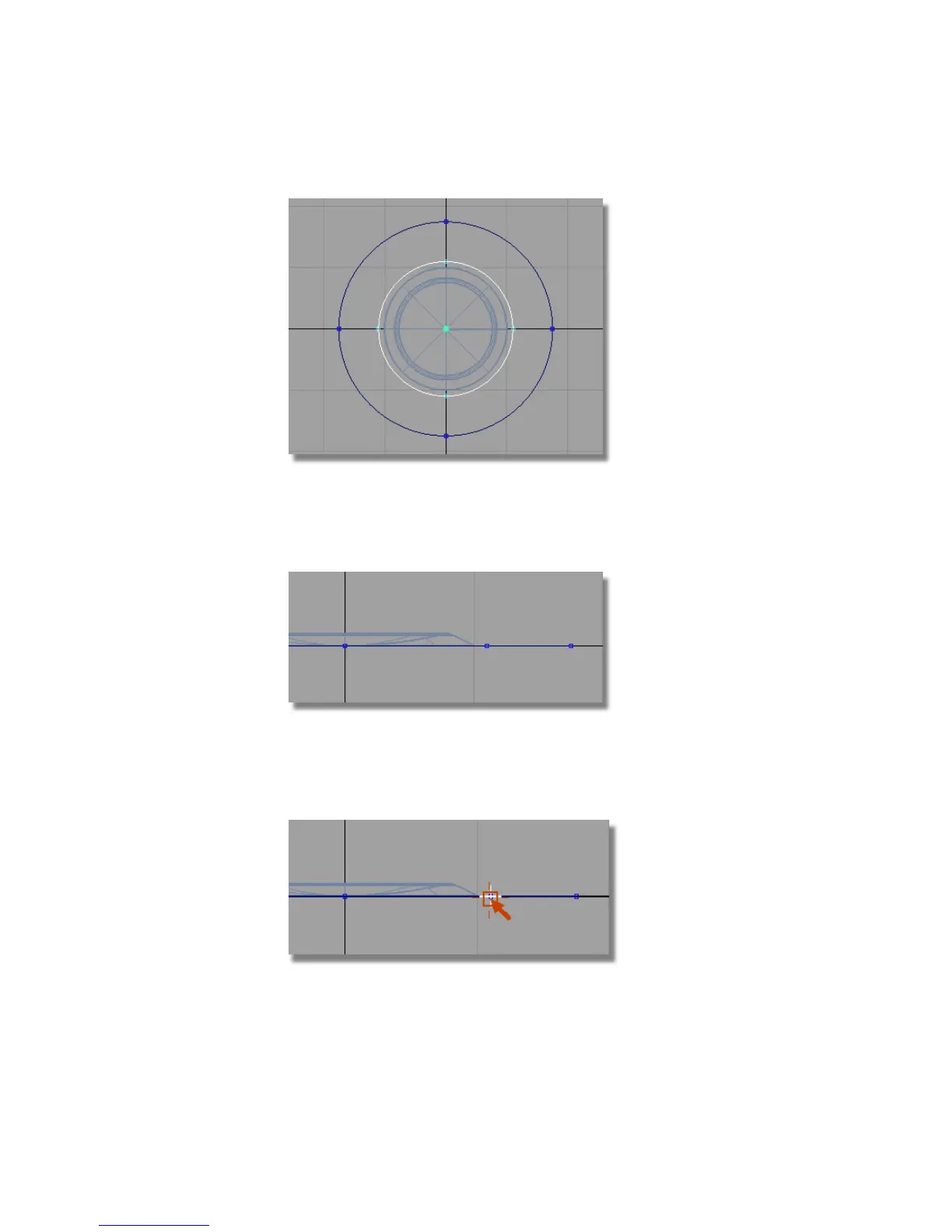
Now you will use these circles to create an arc for the top surface of the
buttons.
Maximize the Left window and zoom into the right-hand side of the
circles. You will use the Keypoints on the two circles to locate the arc.
5 Choose Curves > Keypoint Curve Toolbox , then Keypoint Curve Tools
> Arcs > Arc (Three Point) . You will be prompted to place the start point
of the arc. Use point snap (Ctrl (Windows) or Control (Mac) key) and select
the keypoint on the inner circle.
474 | Chapter 7 Modeling an MP3 Player



 To Next Page