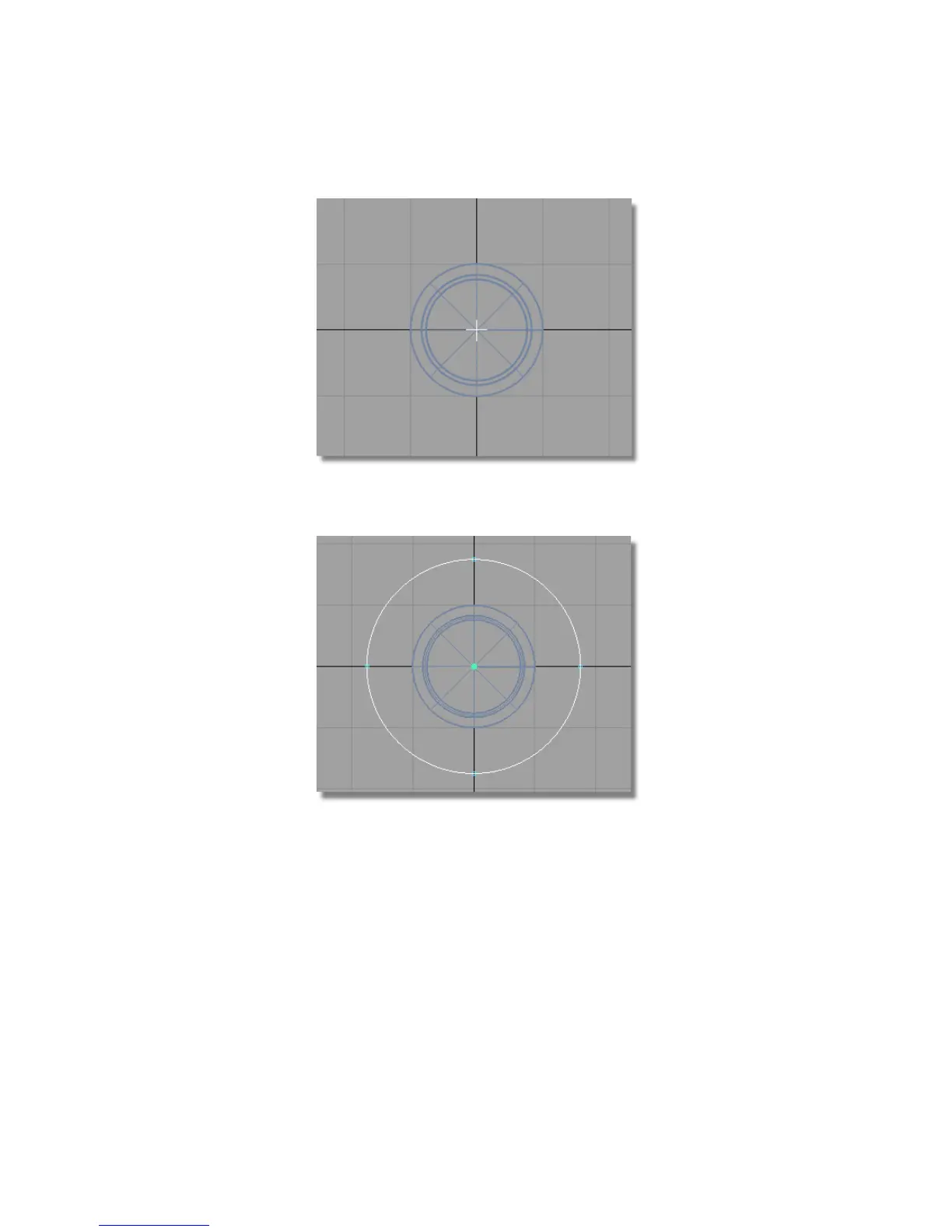
You are prompted to enter a point on the radius of the circle.
Type in 17.5 to create a circle with a radius of 17.5 mm.
4 Choose Curves > Keypoint Curve Toolbox, then Keypoint Curve Tools >
Circular Arc again, and create a circle with the center at the origin and a
radius of 11 mm.
Part 6: Control Button | 473



 To Next Page