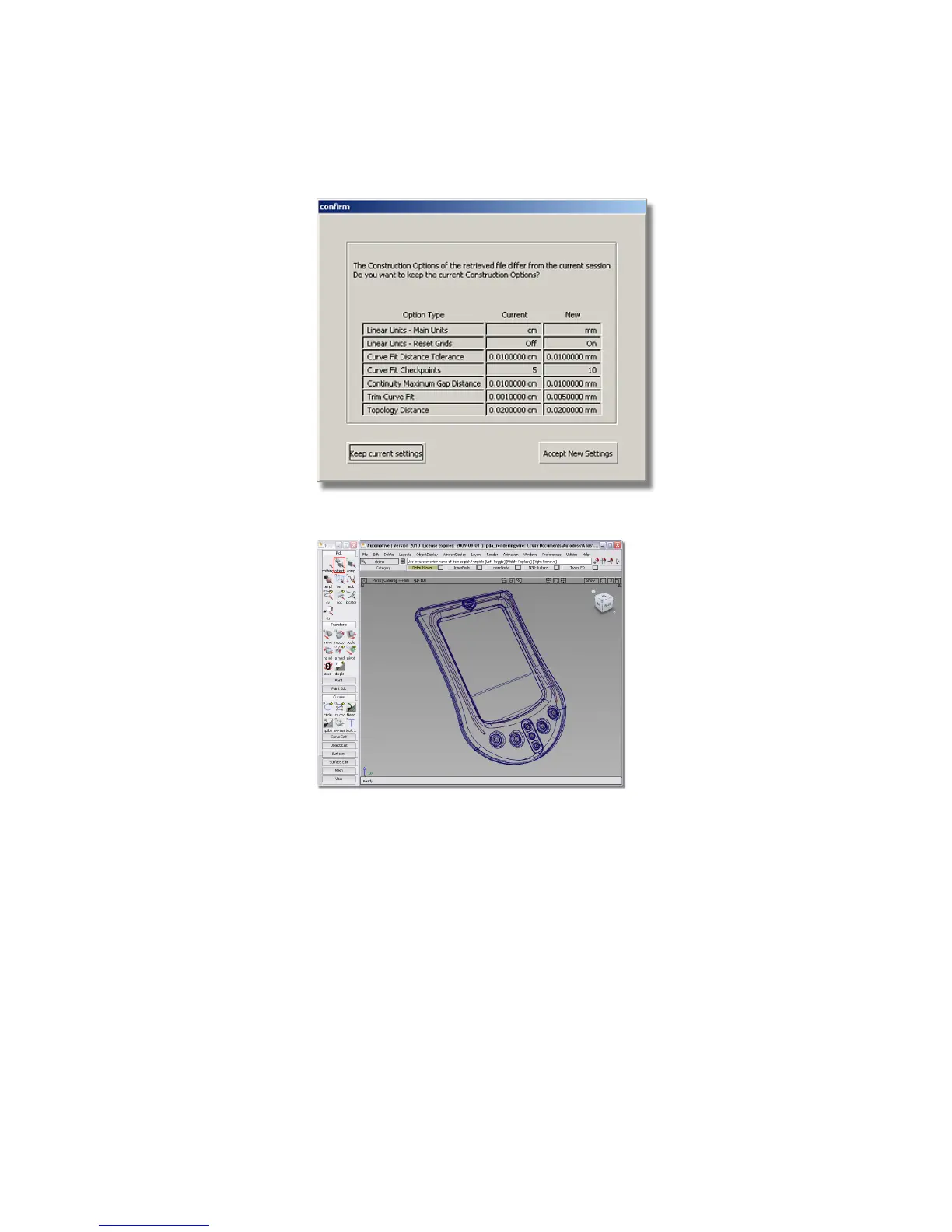
The file is displayed.
4 Next, choose Preferences > Workflows > Visualize . This will hide all tools
not needed for visualization or rendering work.
5 Close the tool palette. To pick objects or components, you can use the
marking menus.
6 Choose Windows > Control Panel . This opens up a frame in the window
containing frequently used tools for the visualization process. Between
the menus, marking menus, and control panel, you have all the tools
you need to work on an image at your fingertips.
Visualizing a PDA | 615



 To Next Page