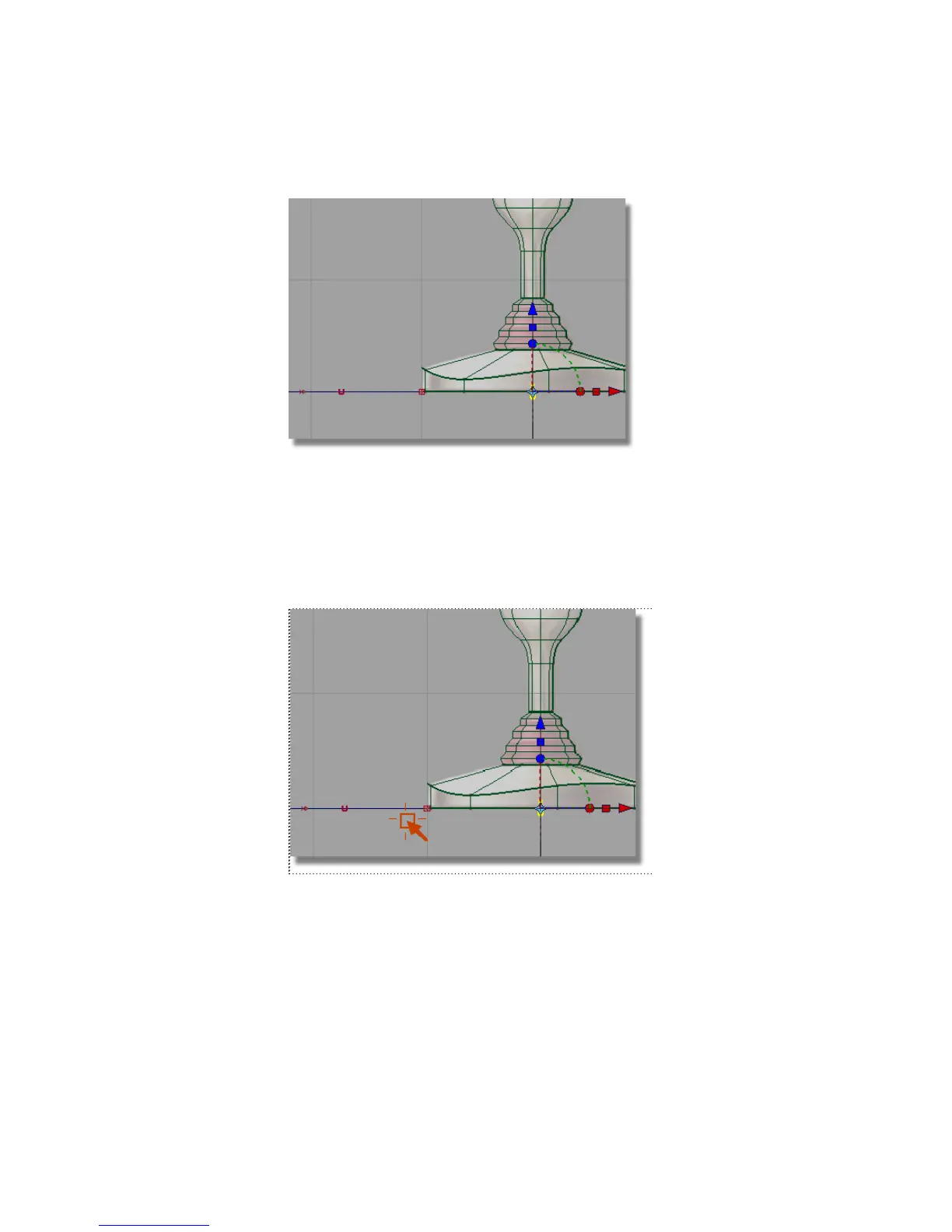
The circle is at the origin. Next, you will move the circle to the left edge
of the joystick base, where the path curve begins.
6 With the circle still selected, choose Transform > Move .
7 Hold down the Alt (Windows) or Command (Mac) key to turn on grid
snapping. Click near the grid point where the path curve starts, being
careful not to select any other geometry.
The circle moves to the start of the path.
218 | Chapter 5 Modeling a Joystick



 To Next Page