8 Choose Pick > Nothing to deselect the circle.
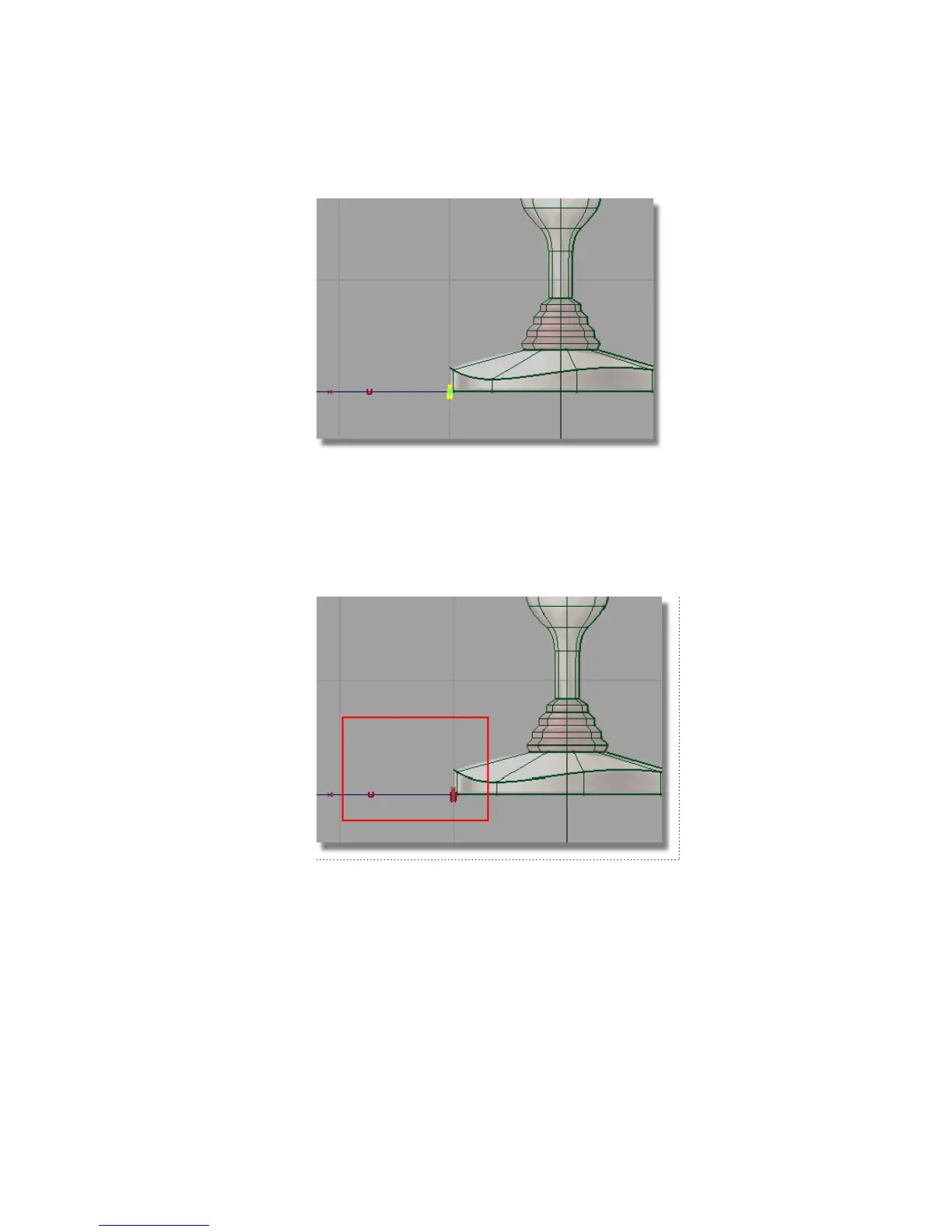
9 The circle and the start of the path curve need to move upwards, so the
cable emerges from the middle of the base side wall.
10 Choose Pick > Point Types > CV and drag a box around the circle CVs
and the first two CVs on the path curve.
11 Choose Transform > Move .
12 Click and drag the right mouse button to move the selected CVs upwards,
so the circle sits in the middle of the sidewall of the base.
Part 4: Creating the connecting cable | 219



 To Next Page