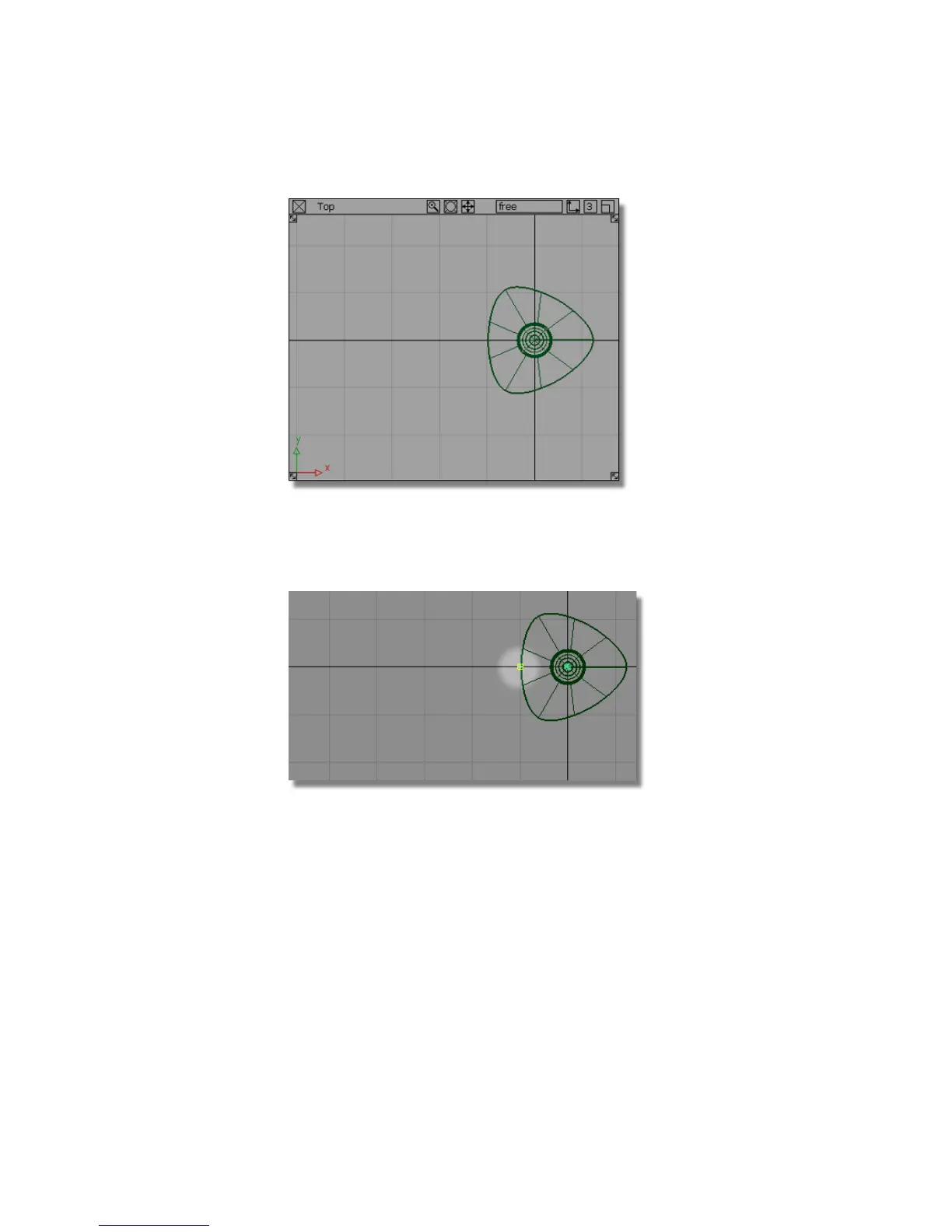
3 Choose Curves > New Curves > New Edit Point Curve.
4 Hold the Alt (Windows) or Command (Mac) key down to turn grid snapping
on, and click on the grid intersection at the left side of the base.
The first CV of the curve is created.
5 Click and drag the middle mouse button to position the second CV to the
left of the first.
214 | Chapter 5 Modeling a Joystick



 To Next Page