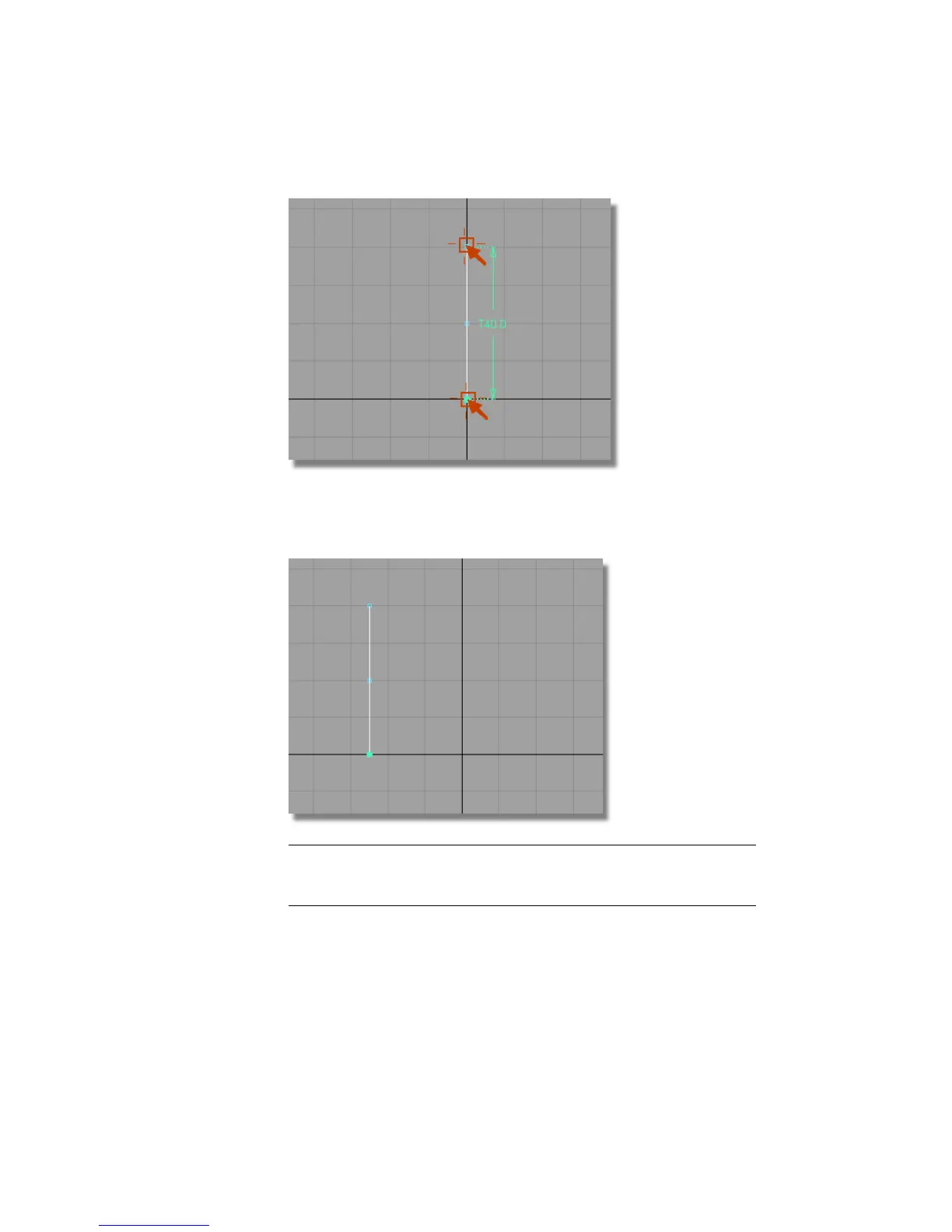
3 With the curve still selected, choose Transform > Move and type in -25,0,0
at the prompt window to move the curve 25 mm to the left in the
x-direction.
TIP If the last coordinate numbers are zero, then you can omit them. For
example, 25,0,0 can be entered as 25 only. However, a coordinate of 0,0,25
needs to be entered in full.
Next, you will create the arc for the top of the MP3 player.
408 | Chapter 7 Modeling an MP3 Player



 To Next Page